WordPress Alternative – STOP Using WordPress in 2026 (What I Use Instead)
If you've ever tried to build a website with WordPress and felt completely overwhelmed — you're not alone. In this post I share my honest experience after years of building websites with WordPress and explain why I made the switch to Wix. Whether you're just getting started or you're already frustrated with WordPress, this might save you months of headaches.
You can try Wix for free and see for yourself why it's my go-to recommendation for beginners and small businesses.
1. Who Is This For?
This post is not aimed at professional web designers or agencies who have been using WordPress for years and love it. If that's you — no judgment, keep doing your thing.
This is for beginners who are wondering whether to use WordPress or a website builder. If you just want a website for your business, blog, or online course, read on.
2. My Background with WordPress
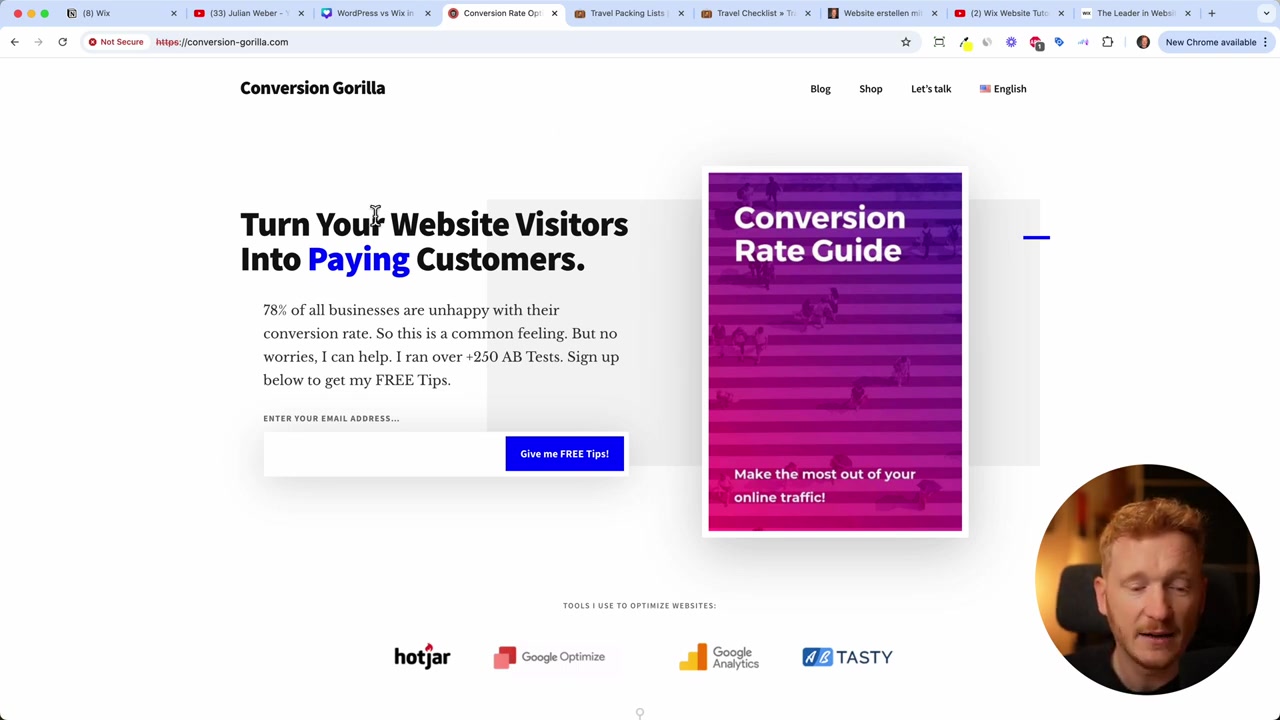
My journey started back in 2015. Like most people, I turned to WordPress because everyone on the internet was talking about it. I built two websites with it: a conversion-rate optimization site for agencies and a travel checklist site for people planning their next vacation.
Both sites worked. They still look decent today. But the process of building them — that was a different story.
3. The Real Problem with WordPress for Beginners
WordPress gives you a lot of flexibility — and that sounds great, until you realize what it actually means in practice. Every decision is on you, and there are a lot of decisions to make before you can even upload your first image.
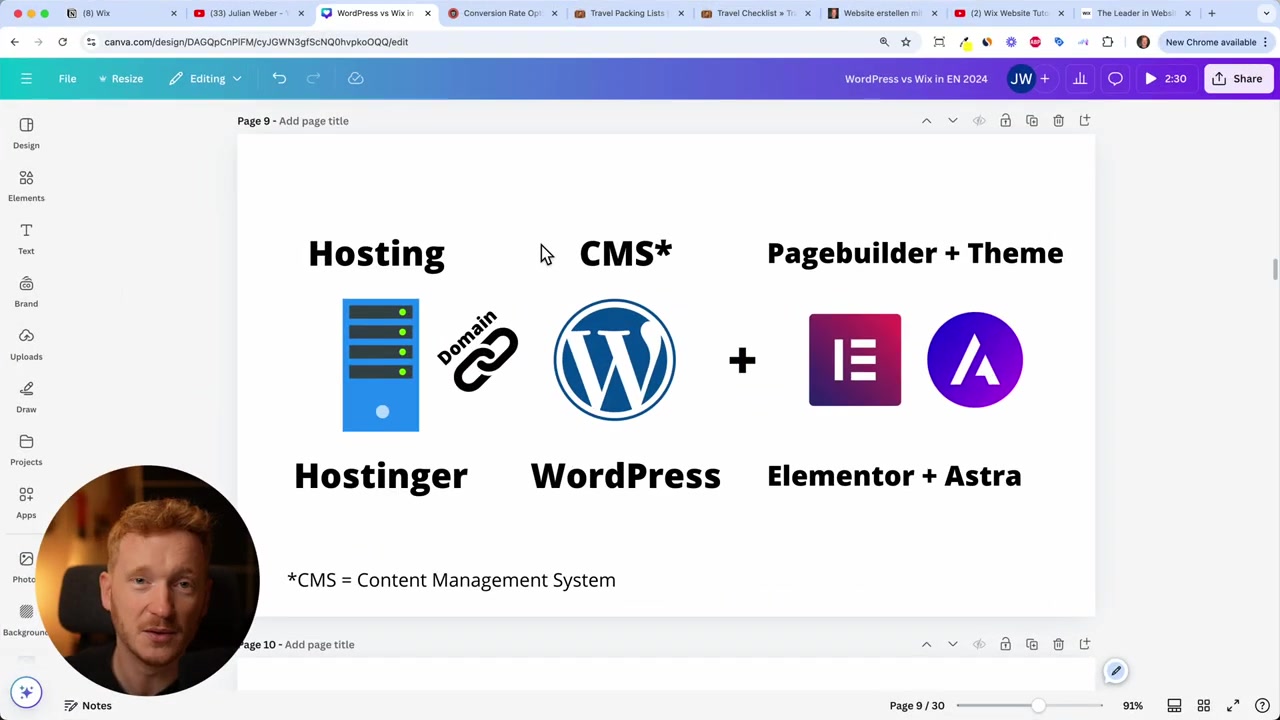
Step 1: Pick a Hosting Provider
There are at least 100 different hosting companies out there. Bluehost, Hostinger, HostGator, SiteGround, GoDaddy — the list goes on. Each has multiple pricing tiers, so you're making several decisions before you've even touched your actual website.
If you do decide to go with WordPress, Hostinger is a solid option for hosting.
Step 2: Choose a Theme
Once you've got hosting sorted, you need a design theme. There's an entire marketplace called ThemeForest with thousands of options. Popular themes include Astra and Hello by Elementor.
At this point, most beginners are already lost.
Step 3: Install a Page Builder
To actually edit your theme, you need a page builder. The most popular one is Elementor. WordPress also has its own called Gutenberg, but there's also Beaver Builder, Divi, and more.
You're now signed up with four or five different companies — a hosting provider, a domain registrar, a page builder, a theme provider, and WordPress itself.
Step 4: Add Plugins for Everything
WordPress doesn't come with a proper contact form, security protection, SEO tools, or an online store out of the box. You need plugins for all of it.
A typical WordPress site runs between 5 and 10 plugins — each from a different company, each wanting you on their email list, and each potentially conflicting with the others. I spent more time troubleshooting plugin conflicts than actually building my website.
By the time I had a basic working site, I had signed up for around 10 different services — and hadn't uploaded a single image yet. That's the WordPress reality for beginners.
4. What Is Wix and Why I Switched
Around 2020, I was about to start a new website project and decided there had to be a better way. That's when I discovered Wix — and it changed everything for me.
Wix is the world's largest website builder. It's an all-in-one platform that handles everything WordPress requires you to stitch together from multiple providers.
Here's what Wix includes out of the box:
- Hosting — built-in, no separate provider needed
- Free domain — included for the first year
- Templates — hundreds of free, professionally designed themes
- Drag-and-drop editor — no coding or page builders required
- Automatic backups — just runs in the background
- Built-in SEO tools — no plugin needed
- App Market — online store, bookings, payments, email marketing, courses, and more
- Live chat — built right into your site
- Member forums — great for course creators and communities
5. How I Use Wix for My Own Business
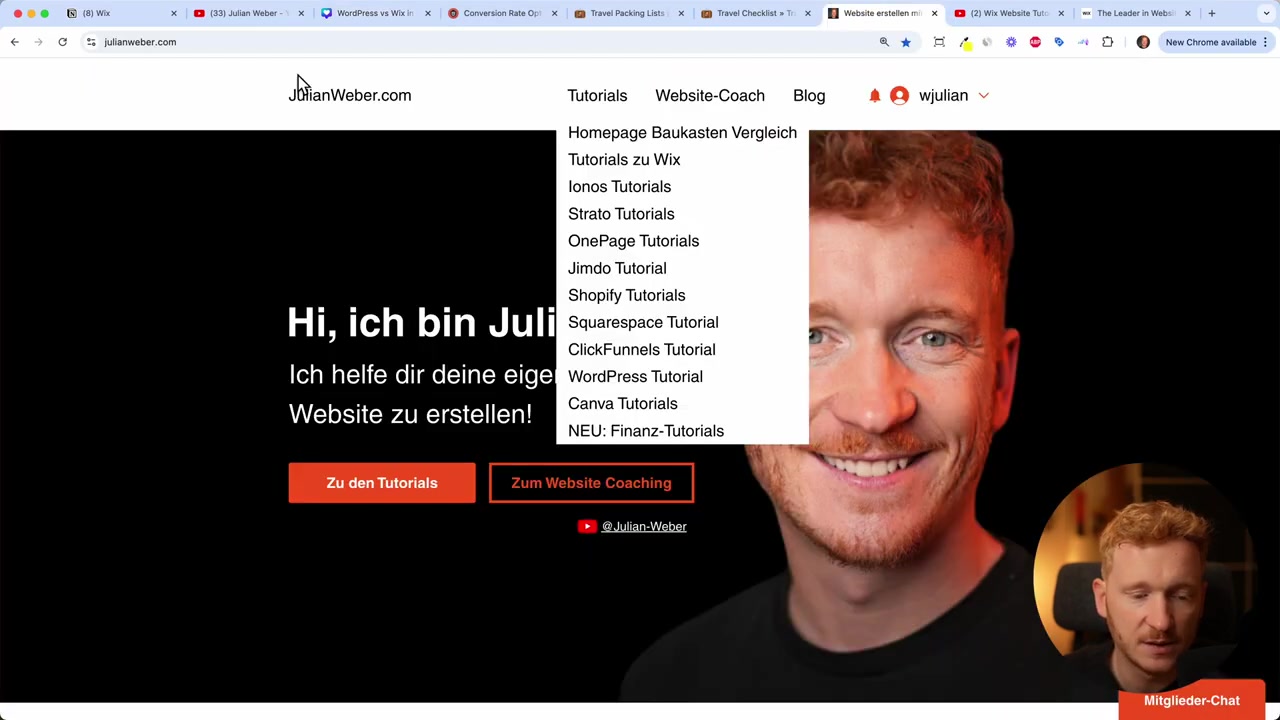
My entire online presence is now built on Wix. My main site includes a quiz, tutorials, blog posts, a landing page for my coaching course, and the course content itself — including a members-only chat and course chapters.
All of it runs on a single Wix account. No plugin juggling, no server management, no conflicts.
6. WordPress vs Wix: Learning Curve Compared
Let me be honest about the time investment. It took me four months to get comfortable with WordPress. And even then, I kept falling back when plugin setups broke or I didn't understand some configuration.
With Wix, most people get the hang of it in two to four days. Under a week, you'll feel confident building and publishing your site. The difference is massive.
WordPress was built as a content management system and given away for free — so there was never much incentive to make the beginner experience smooth. Wix was designed from the ground up to be user-friendly. That philosophy shows.
7. Is Wix Good for Beginners?
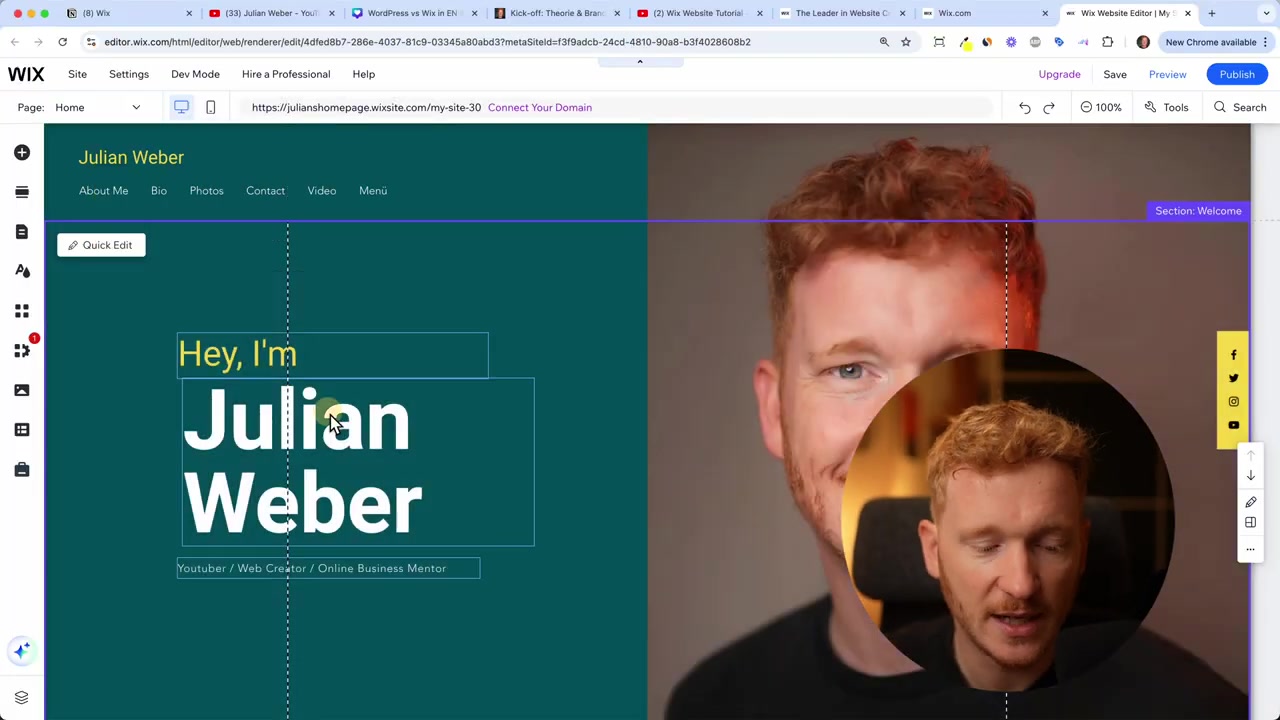
Absolutely. Wix is arguably the best website builder for beginners. The drag-and-drop editor means you can move any text, image, or element anywhere on the page — no coding required.
You don't need to understand servers, themes, plugins, or backend systems. You just open the editor and start building.
For small businesses, freelancers, bloggers, and course creators, Wix covers everything you actually need. You're not locked out of advanced features — you just don't need a degree to access them.
If you want to see it in action, check out my full Wix website tutorial for a step-by-step walkthrough.
8. Wix vs WordPress: Which Should You Choose?
If you're a professional web developer or agency with years of WordPress experience, stick with what works for you. WordPress is incredibly powerful and flexible in the right hands.
But if you're a beginner or small business owner who just wants a great-looking, functional website without the complexity, Wix wins every time.
| Feature | WordPress | Wix |
|---|---|---|
| Setup time | Days to weeks | Hours |
| Plugins needed | 5–10+ | None |
| Learning curve | Months | Days |
| Hosting included | No | Yes |
| SEO tools built-in | No (plugin) | Yes |
| All-in-one | No | Yes |
9. What About Other WordPress Alternatives?
Wix is my top recommendation, but it's not the only option. Here's a quick overview of the alternatives:
- Shopify — best if your primary goal is running an online store
- Squarespace — clean, design-forward builder with good templates
- Webflow — powerful but has its own learning curve; better for designers
For most people building a business site, portfolio, blog, or online course — Wix is the one I'd point you toward. Try it free here.
10. Wix Pricing – What Does It Cost?
Wix offers a free plan so you can build and explore the editor before paying anything. Paid plans unlock a custom domain, remove Wix branding, and give you access to premium features.
For a detailed breakdown of what each plan includes, check out my post on Wix Promo Code 2026 for tips on getting the best deal on a premium plan.
Frequently Asked Questions
Is WordPress really that hard for beginners?
Why is Wix better than WordPress for small businesses?
Can I migrate from WordPress to Wix?
Does Wix work for online stores?
Do I need coding skills to use Wix?
Is WordPress free?
How long does it take to build a website with Wix?
What hosting should I use if I stick with WordPress?
11. Disclosure
Some links in this post are affiliate links. If you make a purchase through them, I may earn a small commission at no extra cost to you. All content is provided for informational purposes only — no guarantees are given. Nothing here constitutes financial, legal, tax, or investment advice.
Related Articles

30 Sep 2024
Wix Website Tutorial for Beginners in English (2026)
Want to build a professional website without any coding skills? Wix is one of the most popular website builders out there — and for good reason. In this beginner-friendly tutorial, Julian Weber walks ...

15 Dec 2025
Wix Promo Code 2026 – How to Save on Wix Premium Plans
If you've been thinking about upgrading to a Wix premium plan, timing your sign-up the right way can make a real difference. In this guide, I'll walk you through the exact method to access the best av...

28 Oct 2025
How to Create a TikTok Ads Account in 2026
Want to run ads on TikTok but not sure where to start? Setting up your TikTok Ads Manager account is easier than you think — and it only takes a few minutes. In this guide, I'll walk you through the e...