Wise Indonesia Tutorial 2026: Cara Transfer Uang ke Luar Negeri dengan Wise
Want to send money abroad without paying outrageous bank fees? Wise (formerly TransferWise) is one of the cheapest and most transparent ways to transfer money internationally — and in this tutorial, you'll learn exactly how to get started from Indonesia.
Whether you're sending dollars, euros, yuan, or any other currency, Wise gives you the real mid-market exchange rate with low, upfront fees. No hidden charges, no surprises.
1. What is Wise?
Wise is an online money transfer service that lets you send and receive money across borders at the real exchange rate — the same rate you see on Google. Traditional banks typically add a markup of 2–5% on top of the exchange rate, which can cost you a lot over time.
Wise is fully transparent about its fees. You always see exactly how much the recipient will receive before you confirm the transfer. It works for individuals sending money to family, freelancers getting paid from abroad, and businesses managing international payments.
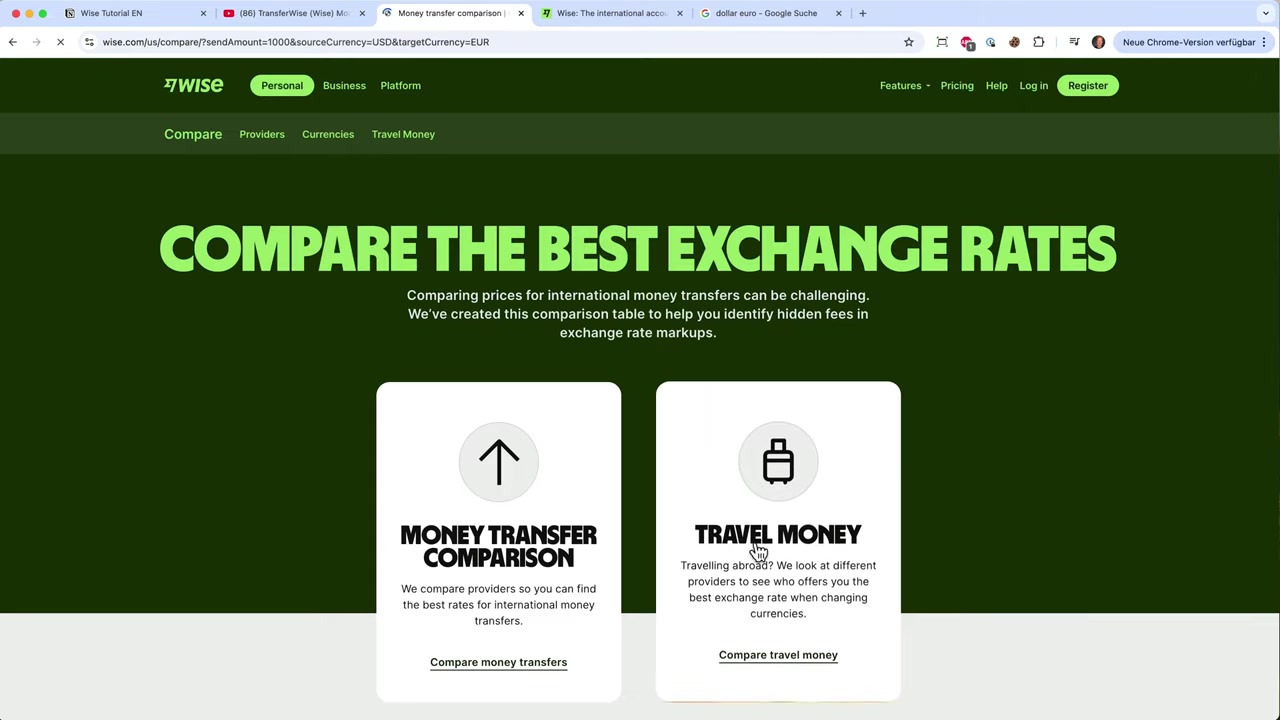
2. Wise vs Bank Transfers: Why Wise Wins
Traditional banks like conventional Indonesian banks or services like MoneyGram and PayPal often charge high fees and offer poor exchange rates. With Wise, you get:
- ✅ The real mid-market rate (no hidden markup)
- ✅ Low, transparent fees shown upfront
- ✅ Transfers that arrive in hours, not days
- ✅ A fully online process — no branch visits needed
For regular international transfers — whether for family support, online business income, or travel — Wise consistently beats traditional banking options on cost.
3. Create Your Wise Account
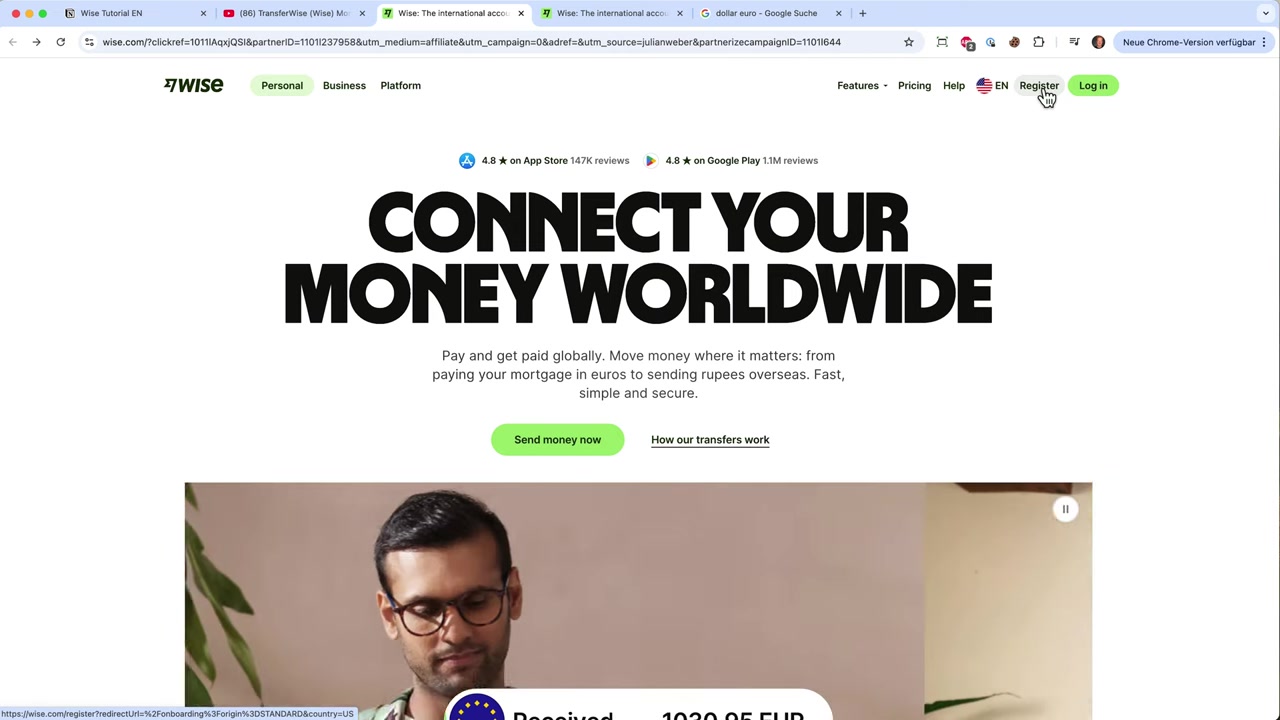
Getting started with Wise is straightforward. Head to Wise and click Sign Up. You can register with your email address or link your Google or Apple account.
Wise will ask for some basic personal information to verify your identity. This is a standard requirement for any financial service and is handled securely online.
Once your basic details are submitted, you'll need to complete identity verification. This typically involves uploading a photo of your ID (KTP or passport) and sometimes a selfie.
Verification usually completes within a few minutes to a few hours.
4. Set Up Your Wise Profile and Currency Preferences
After your account is verified, you can configure which currencies you want to work with. Wise supports dozens of currencies including USD, EUR, AUD, CAD, CNY, and many more.
You can hold balances in multiple currencies at once — useful if you regularly deal with clients or family in different countries.
The Wise dashboard gives you a clear overview of all your balances and recent activity. It's clean, intuitive, and works well on both desktop and mobile.
5. How to Make Your First International Transfer with Wise
Ready to send money? Here's how to initiate a transfer step by step:
- Log in to your Wise account
- Click Send Money
- Enter the amount you want to send and select the source currency (e.g., IDR)
- Choose the destination currency (e.g., USD or EUR)
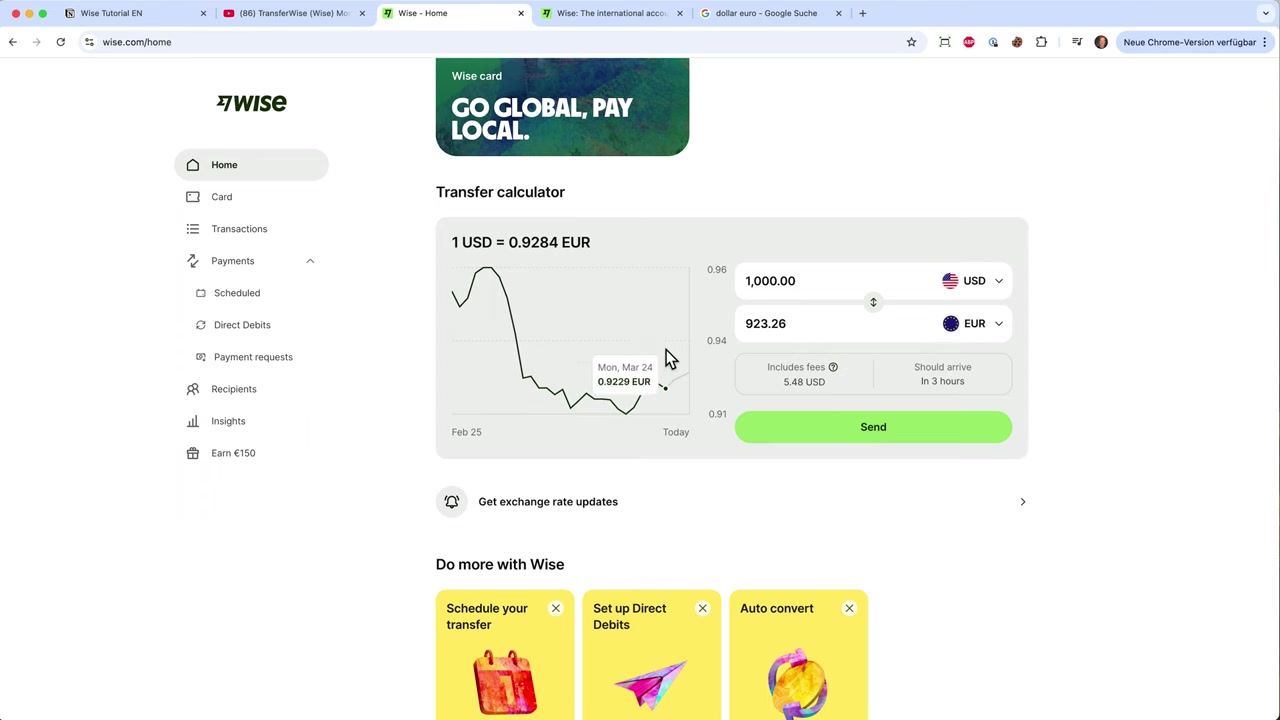
- Wise instantly shows you the real exchange rate and the exact fee
- Enter the recipient's bank details
- Review the confirmation screen and click Confirm
That's it. Wise handles the rest. Most transfers arrive within a few hours, and you can track the status in real time from your dashboard.
6. Wise Fees and Exchange Rates Explained
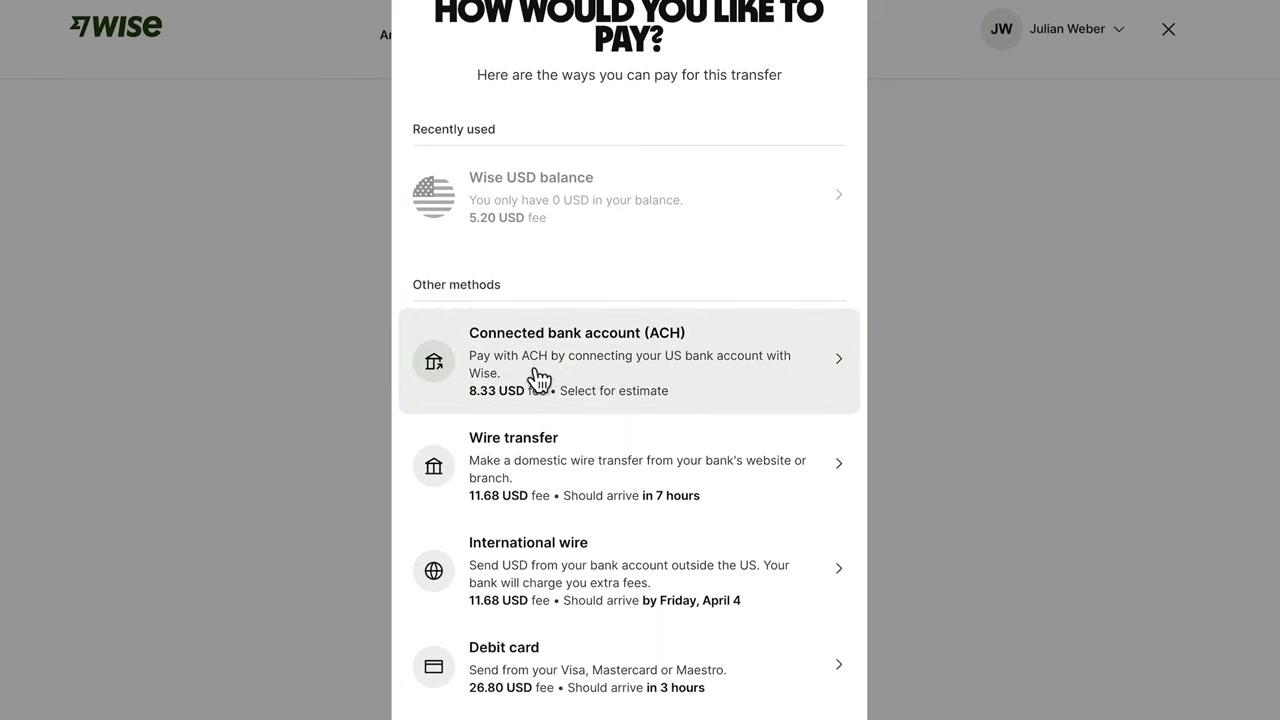
Wise charges a small percentage fee plus a fixed fee depending on the currency route. For example, sending USD or EUR typically costs less than 1% of the transfer amount.
There are no monthly subscription fees to simply use Wise for transfers. The fee structure is always shown clearly before you confirm — no surprises.
The exchange rate Wise uses is the mid-market rate — the fairest rate available. Compare this to a bank that might offer you a rate 3–4% worse, and the savings quickly add up, especially on larger transfers.
7. Wise Debit Card and Multi-Currency Account
Beyond transfers, Wise also offers a Mastercard debit card that you can use to spend in any currency while traveling or shopping online internationally. The card automatically converts at the real exchange rate with minimal fees.
The multi-currency account lets you receive payments like a local in countries such as the US, UK, EU, Australia, and Canada. This is especially useful for freelancers and remote workers getting paid from abroad.
8. Is Wise Safe and Legal to Use in Indonesia?
Yes. Wise is a fully regulated financial services company operating in over 80 countries. It is authorized by financial regulators in the UK, EU, US, and other jurisdictions.
For Indonesian users, Wise is a legitimate and legal way to send money abroad. Your funds are held in segregated accounts, meaning they are kept separate from Wise's own operating funds for added security.
9. Wise Pros and Cons
Pros:
- Real mid-market exchange rate
- Transparent, low fees
- Fast transfers (often same day)
- Supports 50+ currencies
- Multi-currency account and debit card
- Easy-to-use app and website
Cons:
- Not available for cash pickup (bank-to-bank only)
- Identity verification required
- Fees vary by currency corridor
- Not a full bank replacement
Frequently Asked Questions
Is Wise available in Indonesia?
How long does a Wise transfer take?
What currencies does Wise support?
Does Wise charge hidden fees?
Can I use Wise for business transfers?
Is there a minimum or maximum transfer amount?
How is Wise different from PayPal for international transfers?
Do I need a bank account to use Wise?
10. Disclosure
Some links in this post are affiliate links. If you sign up through them, a small commission may be earned at no extra cost to you. All content is provided for informational purposes only, and no guarantees are made regarding results. This post does not constitute financial, legal, tax, or investment advice.
Related Articles

15 Dec 2025
Wix Promo Code 2026 – How to Save on Wix Premium Plans
If you've been thinking about upgrading to a Wix premium plan, timing your sign-up the right way can make a real difference. In this guide, I'll walk you through the exact method to access the best av...

28 Oct 2025
How to Create a TikTok Ads Account in 2026
Want to run ads on TikTok but not sure where to start? Setting up your TikTok Ads Manager account is easier than you think — and it only takes a few minutes. In this guide, I'll walk you through the e...

22 Sep 2025
How To Run TikTok Ads for Shopify Store (New Tutorial 2026)
Want to drive real sales to your Shopify store with TikTok Ads? In this step-by-step tutorial, Julian Weber walks you through everything — from creating your TikTok Ads account and connecting your Sho...