Wise Business Tutorial (2026) – How to Set Up a Wise Business Account and Transfer Money
If your business works with international clients, suppliers, or a global team, you already know how painful traditional bank transfers can be — slow, expensive, and full of hidden fees. Wise Business (formerly TransferWise) is built to fix exactly that. In this tutorial, you'll learn how to open a Wise Business account, hold money in multiple currencies, send international payments, manage team cards, and even earn interest on your balance.
1. What Is Wise Business?
Wise Business is the business-focused version of the popular Wise money transfer platform. It lets you send and receive payments in over 40 currencies across 160 countries — all at the mid-market exchange rate.
Unlike a personal Wise account, the business account gives you tools specifically built for companies: team management, expense cards, invoice creation, accounting integrations, and multi-currency balances. It's designed for freelancers, e-commerce sellers, agencies, and any business that handles cross-border payments.
2. Navigate to the Wise Business Area
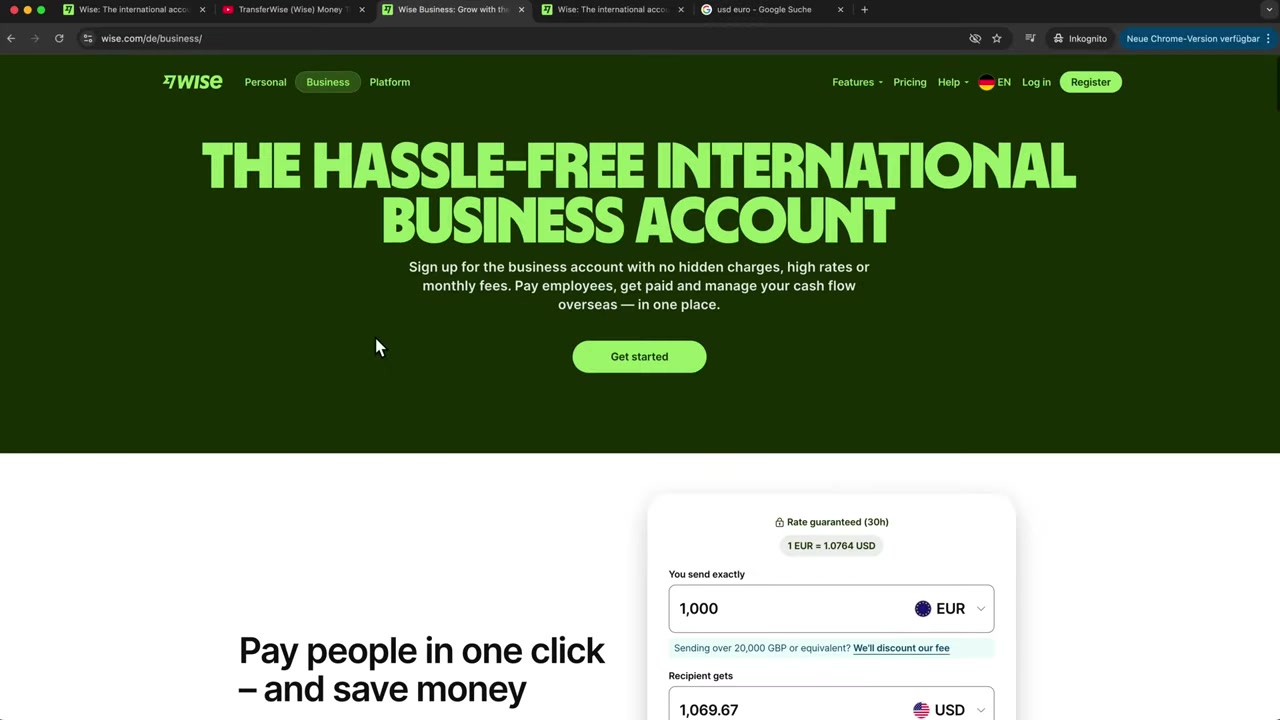
When you first land on Wise, you'll be on the personal account page by default. To access the business features, simply click on the Business tab at the top of the screen.
From there, you'll see all the business-specific features laid out clearly — multi-currency accounts, team cards, invoicing, and more. If you're not signed up yet, use this link to create your account.
3. Open Multi-Currency Accounts on Wise
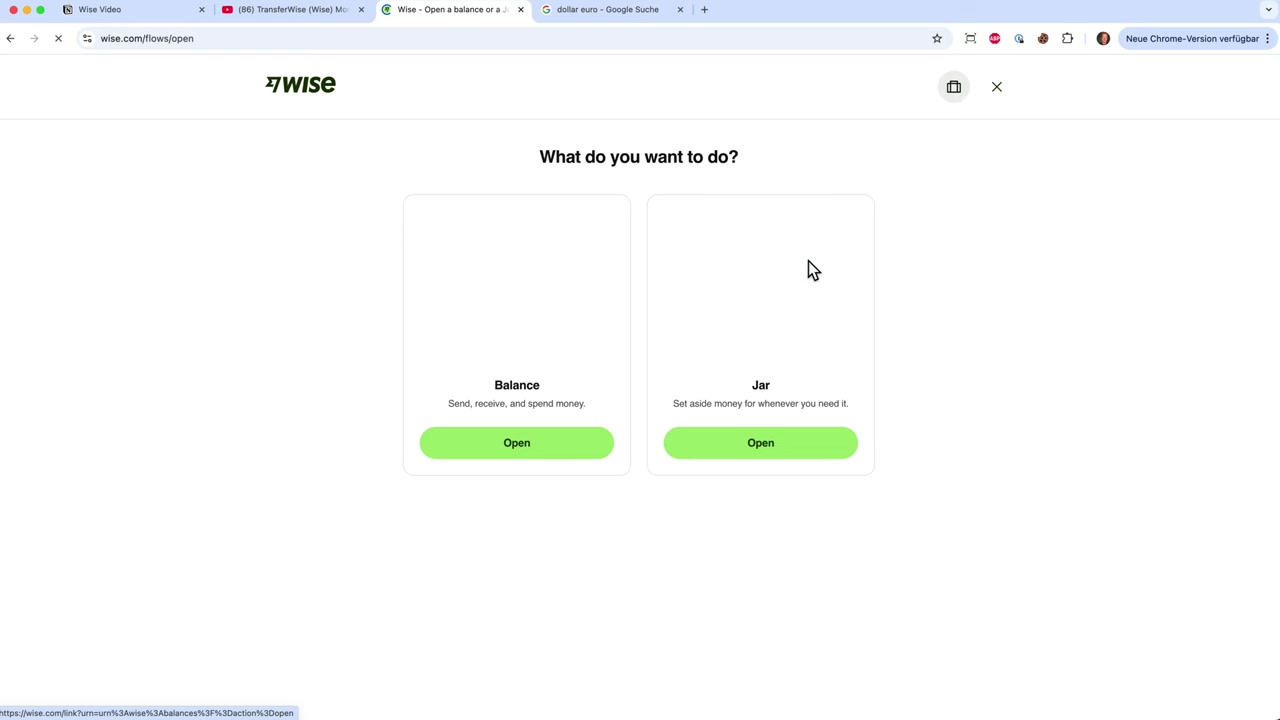
One of the best features of a Wise Business account is the ability to hold money in multiple currencies simultaneously. Once you're inside the business dashboard, you'll see your existing currency accounts listed.
To add a new currency, just click the plus sign next to your accounts and search for the currency you need — for example, Canadian dollars. Hit confirm and your new balance account is instantly created.
You can hold USD, EUR, GBP, CAD, and dozens more. This is incredibly useful if you're waiting for the right exchange rate before converting — for example, holding US dollars until the EUR/USD rate moves in your favor.
4. Receive International Payments with Wise Business
Each currency account comes with its own local bank details. That means your European clients can pay you into a real European IBAN, and your US clients can pay into a US bank account — all managed inside Wise.
To share your payment details, just click on the relevant currency account and copy your bank information. Send it to your business partner and they can pay you in their local currency without any complicated wire fees on their end.
You can also request money directly from the dashboard by sharing a payment link, displaying a QR code, or generating a professional invoice — all without leaving Wise.
5. Send an International Transfer with Wise
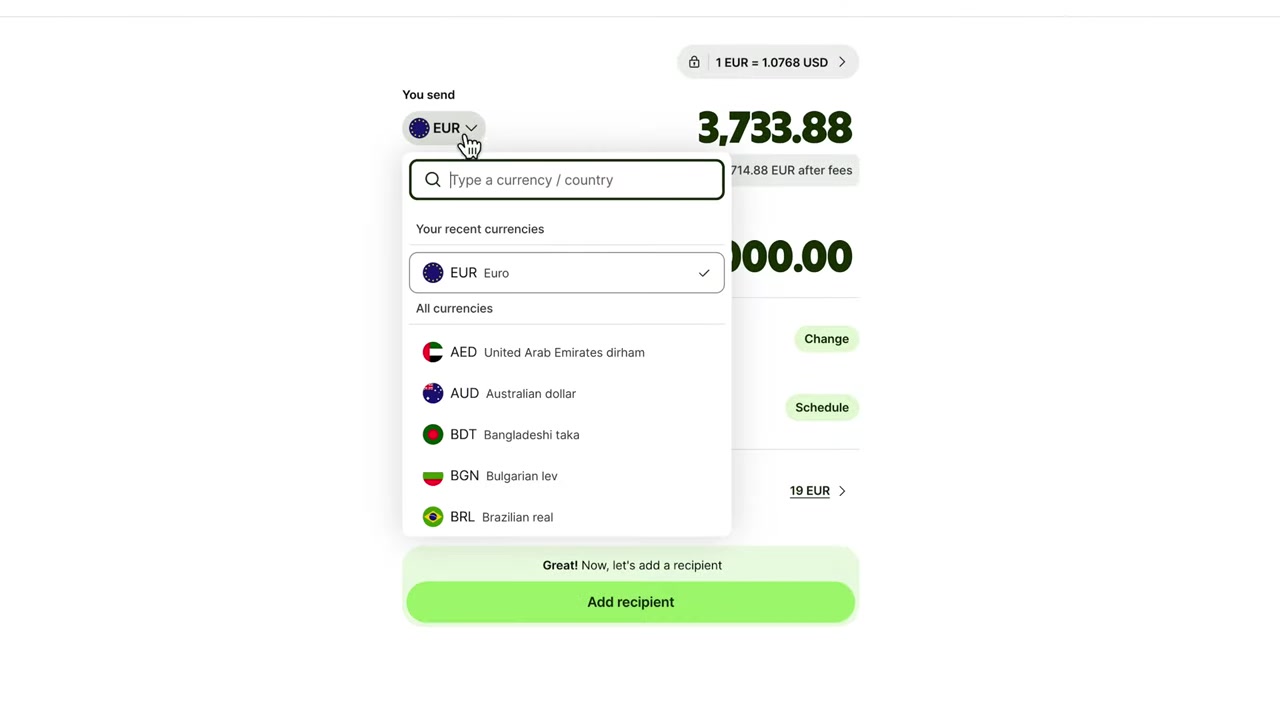
Sending money internationally with Wise Business is straightforward. Click Send in the dashboard, choose your source currency (e.g., USD) and your destination currency (e.g., EUR), and enter the amount.
You have two options here: specify how much you want to send, or specify the exact amount the recipient should receive. Wise will calculate everything automatically using the mid-market exchange rate, which is guaranteed for the next 24 hours.
In terms of payment methods, you can fund a transfer by connecting a bank account, wiring money directly to Wise, or using a debit or credit card. Bank transfers are the most cost-effective — using your existing Wise balance is the cheapest option of all, often costing as little as ~13 for a 2,000+ transfer.
6. Add a Recipient and Complete the Transfer
Once you've set the amount, click Add Recipient. You can search for existing Wise users, enter bank details manually, or even upload a PDF invoice — Wise will automatically pull the payment details from the document.
For recipients outside the Wise ecosystem, you'll need their IBAN (for European bank accounts) or account and routing number (for US accounts), along with their name and address. Fill in the details, review the transfer summary, and confirm.
Wise keeps you updated at every step — from receiving your funds to issuing the payment to your recipient. International transfers can arrive in as little as 2–4 hours, which is significantly faster than a traditional SWIFT wire.
7. Manage Team Cards and Expense Accounts
Wise Business lets you invite team members, assign them individual accounts, and issue physical or virtual debit cards. This makes it easy to manage expenses for a distributed global team.
The Wise card is particularly smart when it comes to currency selection. If you're in Europe and your EUR balance runs out, the card automatically switches to the currency with the best exchange rate at that moment — whether that's CAD, USD, or another currency you hold.
You can also pay team members in their local currency — USD for your US team, EUR for your European staff — all from one single Wise Business account.
8. Create and Send Invoices Directly from Wise
Wise Business includes a built-in invoicing tool. You can create a professional invoice by entering the client's name, email, the product or service provided, the amount, currency, and due date.
Once you hit Preview, you can download a PDF and send it directly to your client. When the invoice is paid, the funds land straight in your Wise account in whichever currency you chose.
This is great for freelancers or agencies who want to keep everything in one place — no need for a separate invoicing tool when you're already using Wise for payments.
9. Connect Wise to QuickBooks and Other Accounting Tools
Wise Business integrates directly with accounting software like QuickBooks. Once connected, your transactions and invoices automatically sync with your accounting records — saving you hours of manual data entry come tax season.
There are also API integrations available for developers who want to build custom workflows. This makes Wise a serious option for growing businesses that need their financial tools to talk to each other.
10. Earn Interest and Invest Your Wise Balance
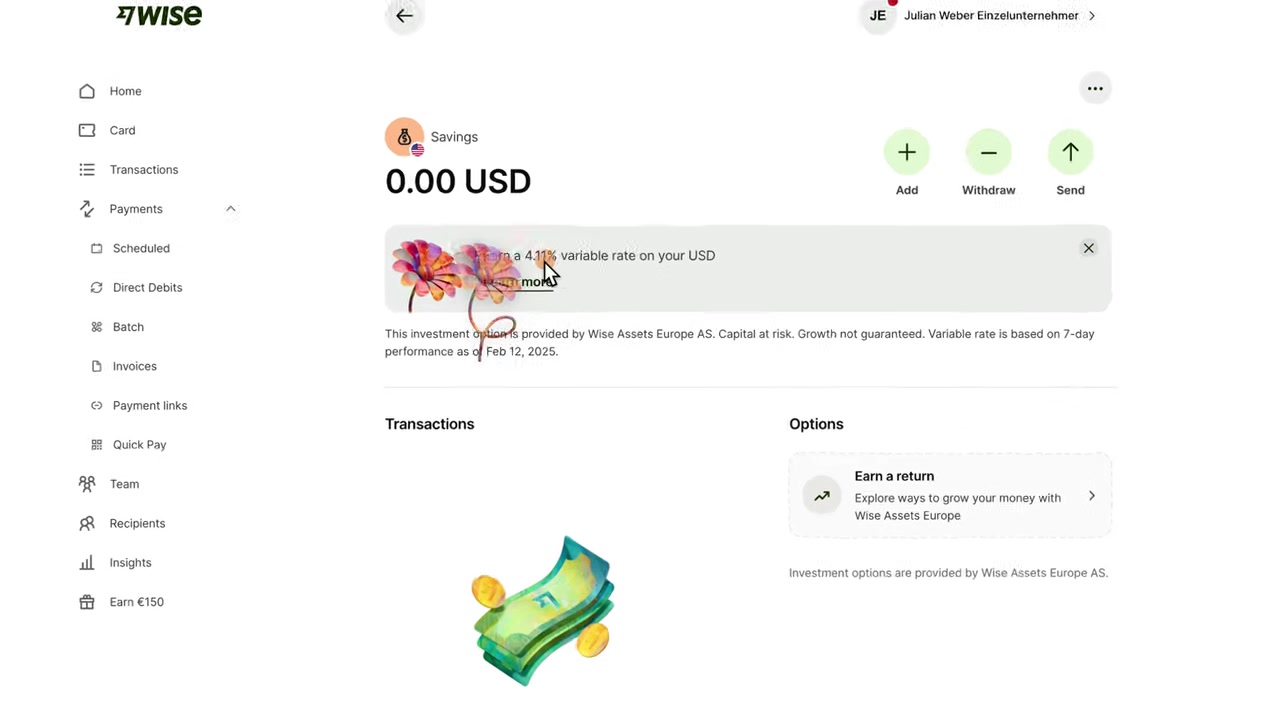
Here's a feature that sets Wise Business apart from most business bank accounts: you can earn interest on money sitting in your account. For USD balances, the rate is up to 4.11% per year. EUR and GBP balances also earn interest.
Beyond interest, you can open savings jars — separate balance pots earmarked for specific goals. Add funds to a jar and they'll earn the same interest rate automatically.
If you want to go further, Wise also offers the option to invest your balance in an ETF — specifically the iShares World Equity Index Fund by BlackRock, which holds positions in companies like Apple, Nvidia, and Microsoft. The average annual growth has historically been around 12.55%, though this is not guaranteed and depends on market conditions.
11. How Much Does Wise Business Cost?
Opening a Wise Business account is free. You pay only for the transactions you make — there's no monthly fee for the basic account. Transfer fees depend on the currencies involved and the payment method you use.
To put the costs in perspective: a traditional bank like Chase can charge €22 more per transfer compared to Wise, and PayPal can cost €34 more for the same transaction. Using your Wise balance as the funding source is always the cheapest option.
Physical and virtual debit cards are available as part of the account. Some advanced business features — such as the full team management suite — may have associated fees depending on your plan.
12. Is Wise Business Good for Freelancers and Small Businesses?
Absolutely. Wise Business is one of the most practical tools available for freelancers, consultants, and small e-commerce businesses that work with international clients or suppliers.
The combination of real exchange rates, low transfer fees, multi-currency accounts, invoicing, and accounting integrations makes it a genuine alternative to a traditional business bank account — especially for those who don't need a physical branch.
If you're ordering goods from suppliers in China, getting paid by US clients while based in Europe, or managing a remote team spread across multiple countries, Wise Business handles all of that in one clean dashboard.
13. Wise Business vs Traditional Business Bank Accounts
Traditional business bank accounts were not built for international payments. They often charge steep SWIFT fees, use inflated exchange rates, and can take 3–5 business days to process international transfers.
Wise Business, by contrast, uses the mid-market rate with transparent fees, settles transfers in hours rather than days, and lets you hold multiple currencies natively. The trade-off is that Wise is not a full banking solution — it doesn't offer loans, credit lines, or in-person services.
For businesses that primarily operate online and internationally, Wise Business is often the better choice for international payments. Many businesses use Wise alongside a local business bank account for domestic operations.
Frequently Asked Questions
Is Wise Business free to open?
How long do Wise Business international transfers take?
Can I hold multiple currencies in a Wise Business account?
Does Wise Business work with QuickBooks?
Can I give my employees access to Wise Business?
Does Wise Business pay interest on my balance?
Can I invest money through Wise Business?
What is the difference between a Wise personal and Wise Business account?
14. Disclosure
Some links in this post are affiliate links. If you sign up through them, I may earn a commission at no extra cost to you. All content is provided for informational purposes only and no guarantee is given regarding accuracy or results. This post does not constitute financial, legal, tax, or investment advice.
Related Articles

15 Dec 2025
Wix Promo Code 2026 – How to Save on Wix Premium Plans
If you've been thinking about upgrading to a Wix premium plan, timing your sign-up the right way can make a real difference. In this guide, I'll walk you through the exact method to access the best av...

28 Oct 2025
How to Create a TikTok Ads Account in 2026
Want to run ads on TikTok but not sure where to start? Setting up your TikTok Ads Manager account is easier than you think — and it only takes a few minutes. In this guide, I'll walk you through the e...

22 Sep 2025
How To Run TikTok Ads for Shopify Store (New Tutorial 2026)
Want to drive real sales to your Shopify store with TikTok Ads? In this step-by-step tutorial, Julian Weber walks you through everything — from creating your TikTok Ads account and connecting your Sho...