How To Pay With Revolut on Phone (2026 Quick Guide)
Want to pay with your phone using Revolut? It only takes a couple of minutes to set up. In this quick guide, you'll learn how to create a virtual Revolut card and add it to Apple Wallet — so you can tap and pay at any store, café, or supermarket right away.
You can get started with Revolut here and follow along with the steps below.
1. Open the Card Section in Revolut
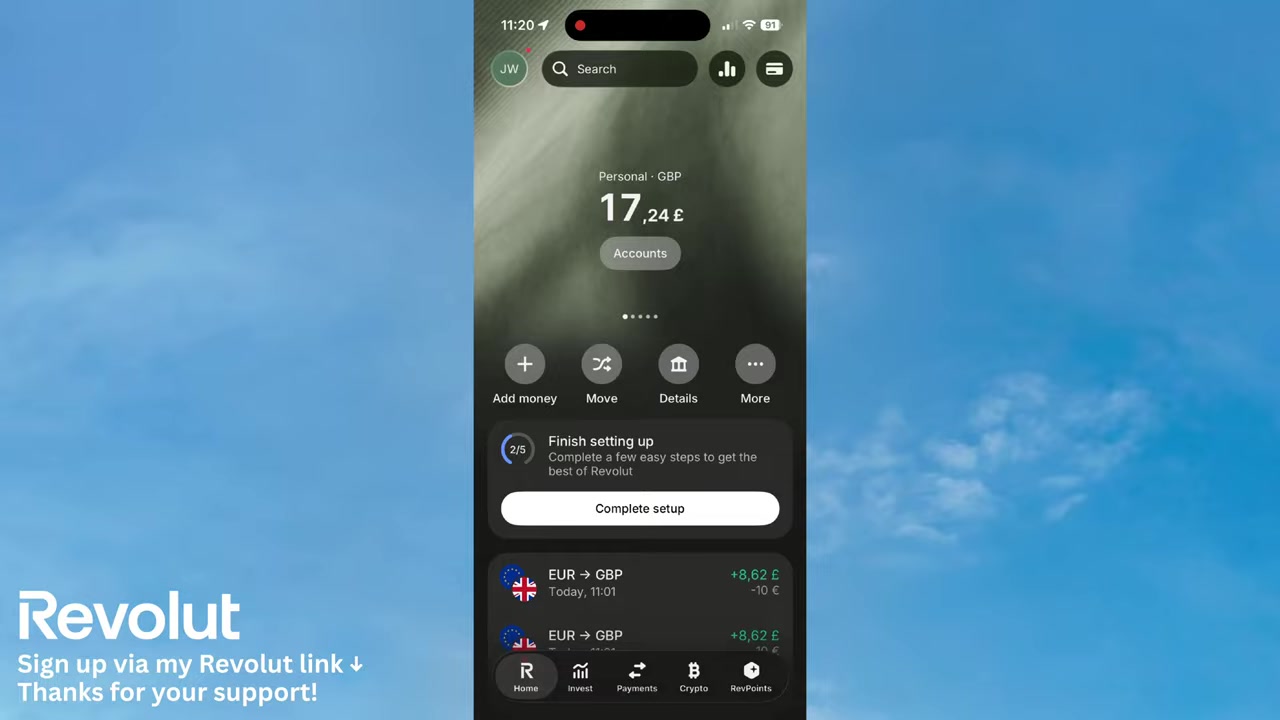
Open the Revolut app on your phone. In the upper right corner, you'll see a card icon — tap on it to go to your cards section.
From there, scroll down and tap Add a new card. This is where you decide what type of card you want to create.
2. Choose a Virtual Card for Instant Use
Revolut gives you two options: a physical card or a virtual card. Physical cards need to be shipped to your address, which takes time.
For paying with your phone right away, go with the virtual card. It's created instantly and works perfectly with Apple Pay and Google Pay.
Pick your preferred card design — Revolut offers several colors and styles. Once you've chosen, tap Get a Free Card.
3. Name and Create Your Revolut Card
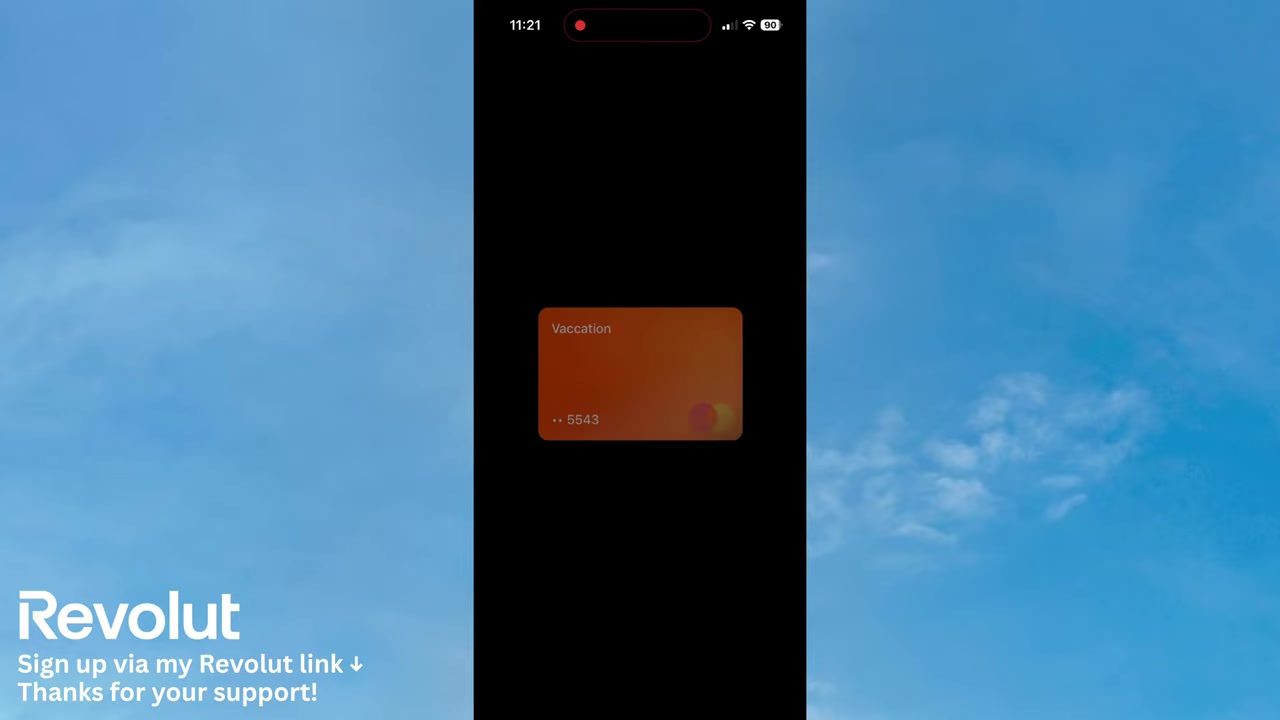
You'll be prompted to give your card a name. This helps you keep things organized — for example, you could name it Vacation or Daily Spending.
Once you've entered a name, tap Create Card. Revolut will generate your virtual card within seconds.
4. Add Your Revolut Card to Apple Wallet
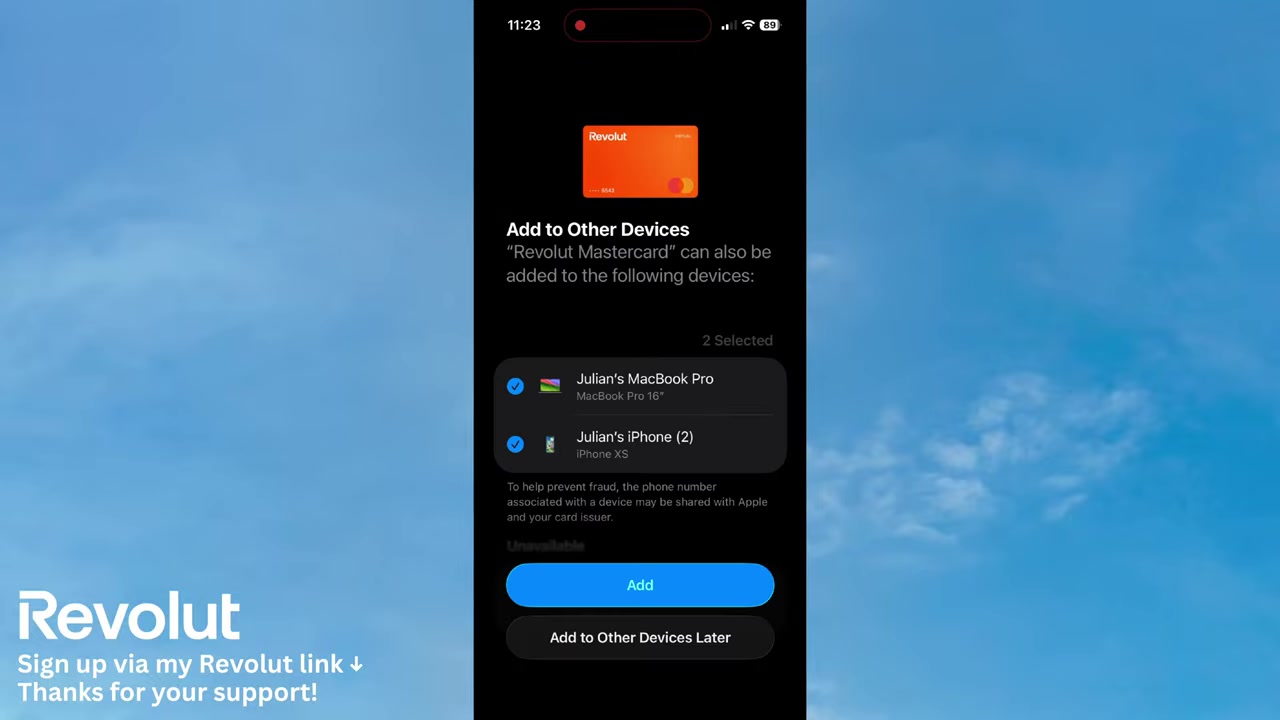
After the card is created, Revolut will prompt you to Add to Apple Wallet. Tap it, then tap Continue.
You'll need to accept the terms and conditions once. After that, you can choose to add the card to your iPhone or your MacBook.
Select your iPhone and tap Add. On the next screen, you can set this as your default card for payments — that's entirely up to you.
5. Make Contactless Payments with Revolut
Once the card is in your Apple Wallet, you're ready to pay. Double-click the side button on your iPhone to open Apple Wallet.
Select your Revolut card, then tap your phone on the card reader at the checkout. The payment goes through instantly — no wallet, no physical card needed.
This works at supermarkets, grocery stores, cafés, and anywhere contactless payments are accepted.
6. View Card Details and Keep Your Card Secure
You can view your full card details at any time in the Revolut app. Tap Show Details to see your card number, CVV, and expiration date.
If your phone is ever lost or stolen, you can freeze the card instantly from the app. This stops any unauthorized payments while keeping the card in your account.
7. What is Revolut?
Revolut is a digital banking app used by millions of people worldwide. It lets you hold, exchange, and spend money in multiple currencies — all from your smartphone.
Beyond payments, Revolut also offers features like savings vaults, cryptocurrency, stock investing, and international money transfers. It's a full financial super-app in your pocket.
8. Is Revolut Good for Everyday Payments?
Yes — Revolut is an excellent choice for everyday spending. The virtual card setup takes less than two minutes, and once it's in Apple Wallet or Google Pay, paying in stores is seamless.
It's especially useful when traveling abroad. Revolut supports dozens of currencies and often offers better exchange rates than traditional banks.
9. Revolut for Business
If you run a business, Revolut also offers a dedicated business account. It includes features like expense management, multi-user access, and international payments.
You can sign up for Revolut Business here and get started with a free plan.
Frequently Asked Questions
Can I pay with Revolut on my phone without a physical card?
How do I add my Revolut card to Apple Pay?
Does Revolut work with Google Pay?
What is a virtual card on Revolut?
Can I freeze my Revolut card if my phone is stolen?
Is Revolut free to use?
Can I use Revolut for payments while traveling abroad?
10. Disclosure
Some links in this post are affiliate links. If you make a purchase through them, I may earn a small commission at no extra cost to you. All content is provided for informational purposes only without any guarantee of accuracy or results. Nothing here constitutes financial, legal, tax, or investment advice — always do your own research and consult a qualified professional if needed.
Related Articles

17 Jun 2026
How to Receive Crypto on Revolut (2026 New Tutorial)
Want to receive Bitcoin or other cryptocurrencies directly into your Revolut account? It's easier than you might think. This tutorial walks you through every step — from finding your crypto wallet add...
19 Jun 2026
How to Transfer Money to Bank Account from Revolut (New Tutorial 2026)
Want to send money from Revolut to a bank account but not sure where to start? It's actually much simpler than you might think. In this step-by-step tutorial, you'll learn exactly how to do it in just...

20 Jun 2026
How to Invest on Revolut (2026)
Wondering how to invest your money directly inside Revolut? It's easier than you might think. This guide walks you through the entire process — from opening the Invest tab to placing your first stock ...