Tutorial Wise: Cara Transfer Wang ke Luar Negara dengan Wise
Sending money abroad used to mean paying hefty bank fees and getting a terrible exchange rate. Wise (formerly TransferWise) changes all that — offering real mid-market exchange rates and low, transparent fees.
In this tutorial, we walk you through everything: opening a Wise account, verifying your identity, and completing your very first international transfer. Whether you're sending USD, Euros, Yuan, or any other currency, Wise is one of the cheapest and fastest ways to do it. Get started with Wise for free here.
1. What Is Wise?
Wise is an international money transfer service that lets you send money abroad at the real mid-market exchange rate — the same rate you see on Google. Unlike traditional banks, Wise doesn't hide fees inside a bad exchange rate.
Originally launched as TransferWise, Wise has grown into one of the most trusted platforms for international transfers worldwide. It's used by individuals, freelancers, and businesses alike.
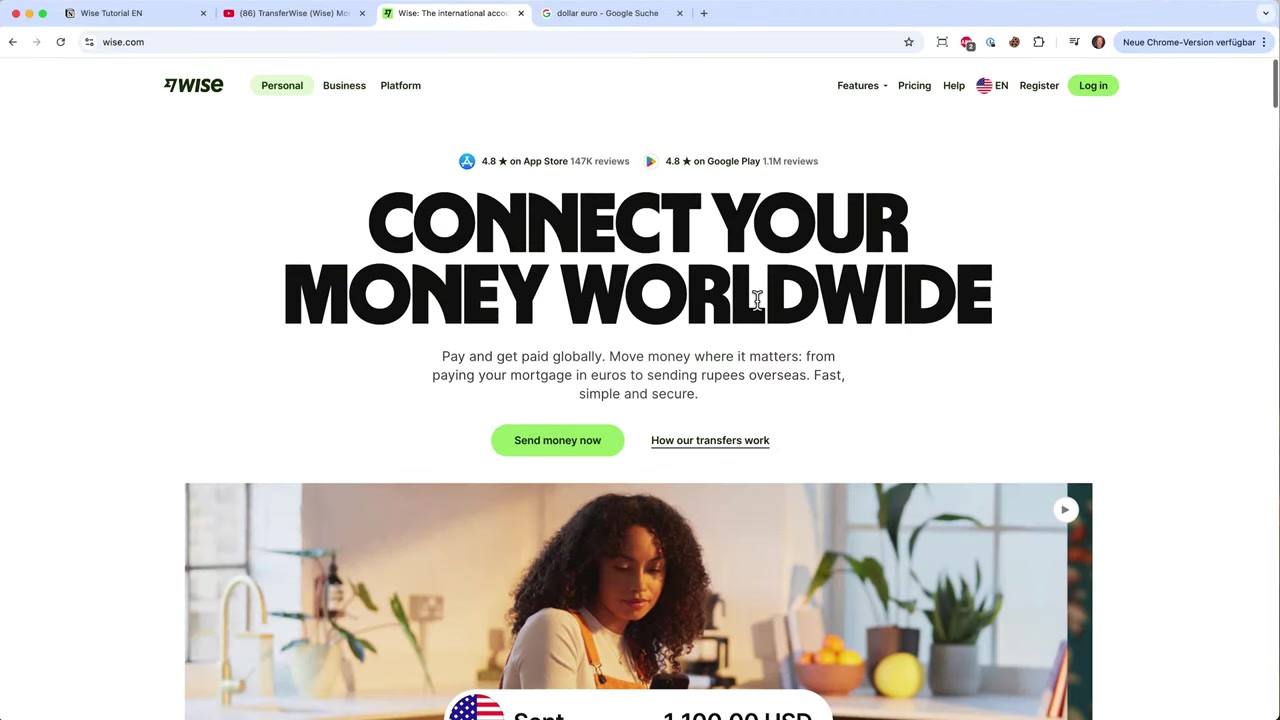
2. Why Use Wise Instead of Your Bank?
Traditional banks like Chase, PayPal, and similar services typically charge significant fees — either as a flat fee, a percentage of the transfer, or both. On top of that, they use their own exchange rate, which is almost always worse than the mid-market rate.
With Wise, you always see exactly what your recipient will get before you confirm the transfer. No surprises, no hidden markups.
Wise is particularly useful if you:
- Send money to family or friends overseas
- Pay international suppliers or freelancers
- Receive payments from abroad
- Hold and manage multiple currencies at once
3. How to Open a Wise Account
Getting started with Wise is straightforward. Head to wi.se/julian and click the sign-up button. You can register with your email address or link your Google or Apple account for faster access.
Once registered, you'll be prompted to set up your profile — choose whether you're signing up as an individual or a business.
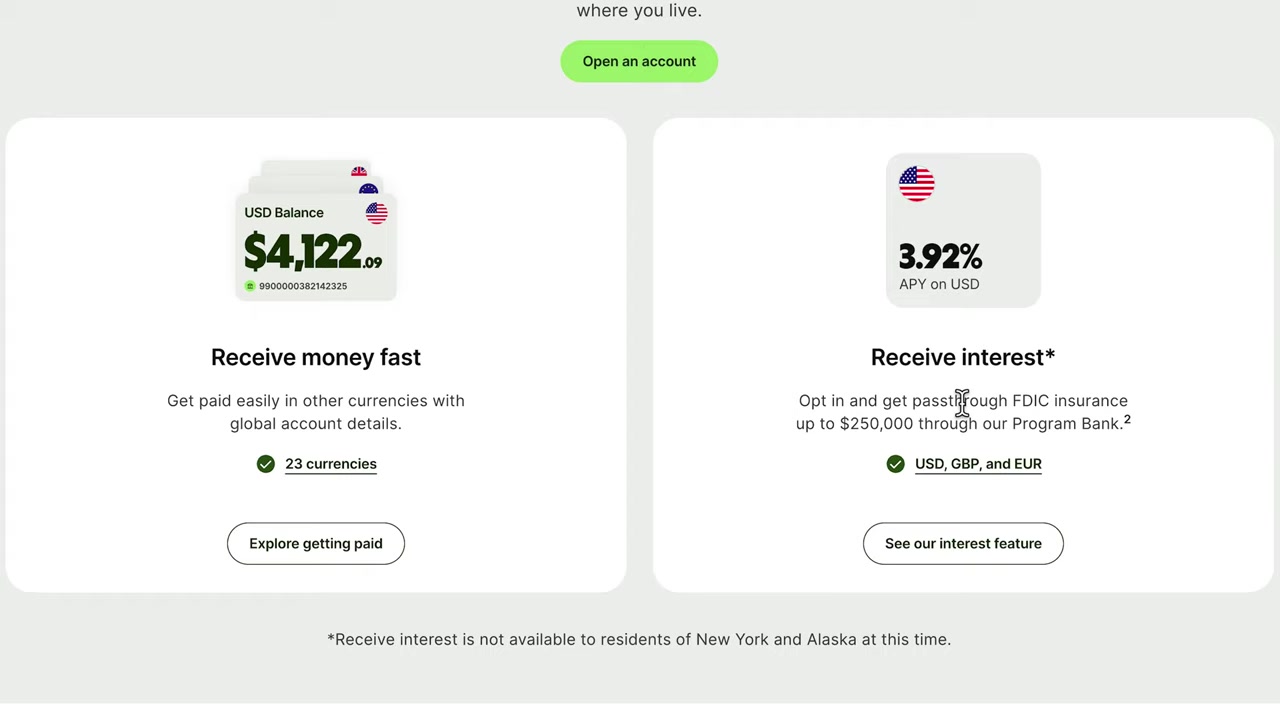
4. Verify Your Identity on Wise
Like any regulated financial service, Wise requires identity verification before you can send money. This is a standard KYC (Know Your Customer) process.
You'll need to upload a valid government-issued ID — such as a passport, national ID card, or driving licence. In some regions, Wise may also ask for a selfie or a short video verification.
Verification usually takes just a few minutes, though it can sometimes take up to 24 hours.
5. Add a Payment Method to Your Wise Account
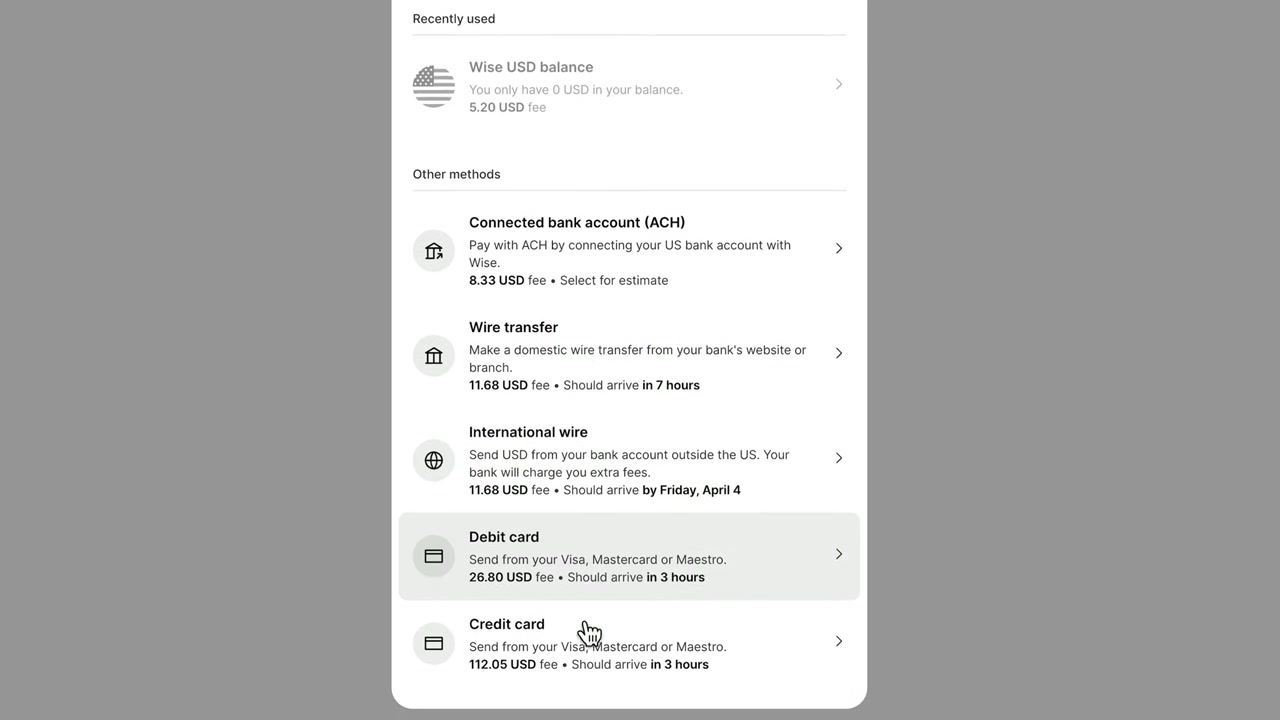
Before making your first transfer, you need to link a payment method. Wise supports:
- Debit cards
- Credit cards (fees may apply)
- Bank transfers (often the cheapest option)
The exact options available depend on your country. Bank transfer is generally the most cost-effective method, while debit and credit cards are faster but may carry a small additional fee.
6. Send Your First International Transfer with Wise
Once your account is verified and your payment method is set up, you're ready to send money. Click Send Money, then:
- Enter the amount you want to send and select your source currency (e.g., USD, EUR, MYR).
- Choose the recipient's currency.
- Wise will instantly display the converted amount and the exact fee charged.
- Add your recipient's bank details.
- Confirm and pay.
Wise shows you a live estimate of when the money will arrive — often within minutes for popular currency routes, or 1–2 business days for less common ones.
You'll receive email notifications at every stage of the transfer so you always know where your money is.
7. Wise Multi-Currency Account: Hold Money in Multiple Currencies
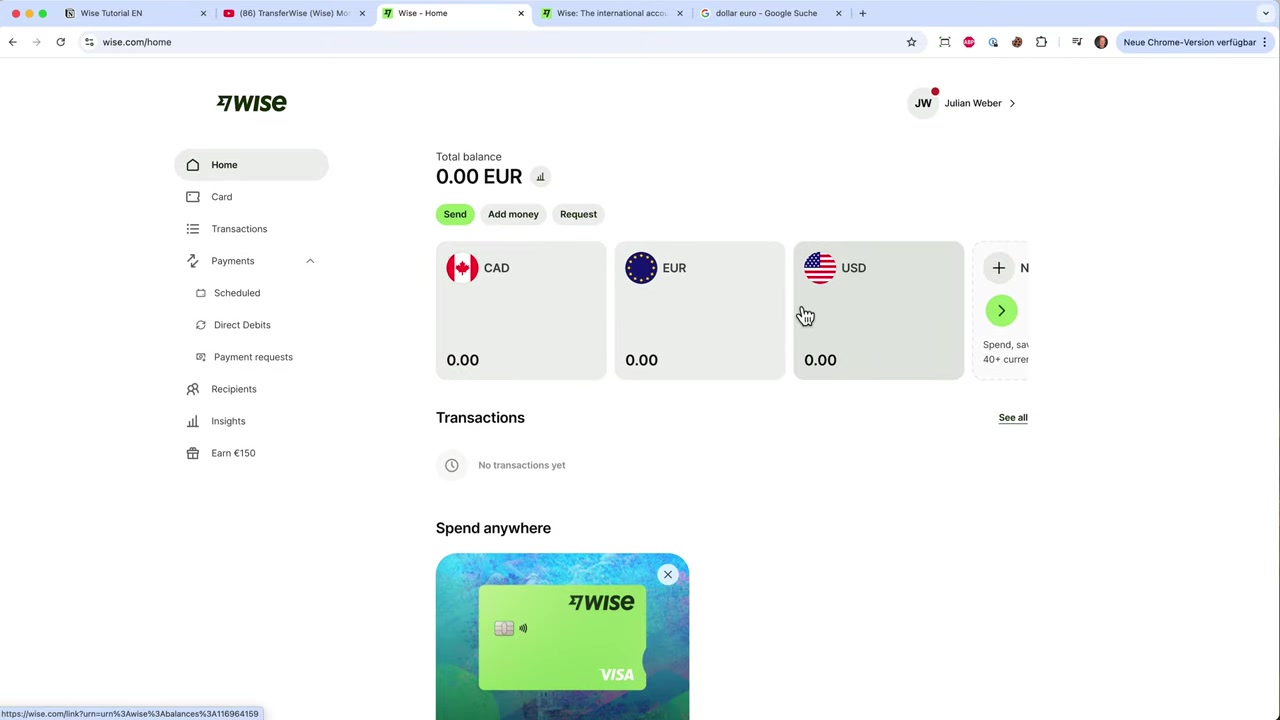
One of Wise's most powerful features is the multi-currency account (sometimes called the Wise borderless account). You can hold balances in dozens of currencies — including USD, EUR, GBP, SGD, AUD, and more — all in one place.
This is incredibly useful if you receive payments in foreign currencies or need to pay someone in their local currency without converting back and forth.
Wise can also issue you a Wise debit card (Visa), which lets you spend directly from your Wise balance anywhere in the world. Spending in a foreign currency automatically converts at the real exchange rate with minimal fees — making it a great travel card too.
8. How Much Does Wise Cost?
Wise fees vary depending on the currency pair and payment method you choose. Typically, fees range from 0.4% to 2% of the transfer amount — far lower than most banks.
The exact fee is always shown upfront before you confirm. There are no monthly account fees for a standard personal account.
For business accounts, Wise offers additional features like batch payments and integration with accounting tools. These may have different fee structures.
You can calculate the exact cost of any transfer using the Wise fee calculator on their website before you even sign up.
9. Is Wise Safe to Use?
Yes — Wise is a regulated financial institution. It is authorised by the Financial Conduct Authority (FCA) in the UK and holds equivalent licences in the US, EU, Singapore, Australia, and many other countries.
Wise safeguards customer funds by holding them in ring-fenced accounts with reputable banks. This means your money is kept separate from Wise's own operational funds.
10. Wise vs Traditional Banks: Is Wise Really Cheaper?
In most cases, yes — significantly cheaper. Banks typically mark up the exchange rate by 2–5% on top of any transfer fees. That means on a 1,000 transfer, you could lose 20–$50 just in hidden exchange rate costs.
Wise uses the mid-market rate (the "real" rate) and charges only a small transparent fee. For most popular currency pairs, Wise is 3–8x cheaper than sending money through a traditional bank.
Frequently Asked Questions
What is Wise used for?
Is Wise free to use?
How long does a Wise transfer take?
Is Wise safe and legit?
Can I use Wise to receive money from abroad?
Does Wise have a debit card?
What currencies does Wise support?
Can businesses use Wise?
11. Disclosure
Some links in this post are affiliate links. If you sign up through them, we may earn a commission at no extra cost to you. All content is provided for informational purposes only — no guarantees are given. This post does not constitute financial, legal, tax, or investment advice.
Related Articles

28 May 2025
Cara Membuka Akun Bank Wise (2026) | Panduan Lengkap Pendaftaran
Mau membuka akun Wise tapi bingung mulai dari mana? Di tutorial ini, saya tunjukkan cara membuat akun Wise langkah demi langkah — mulai dari pendaftaran hingga dashboard siap digunakan. Wise populer k...

28 Oct 2025
How to Create a TikTok Ads Account in 2026
Want to run ads on TikTok but not sure where to start? Setting up your TikTok Ads Manager account is easier than you think — and it only takes a few minutes. In this guide, I'll walk you through the e...

15 Dec 2025
Wix Promo Code 2026 – How to Save on Wix Premium Plans
If you've been thinking about upgrading to a Wix premium plan, timing your sign-up the right way can make a real difference. In this guide, I'll walk you through the exact method to access the best av...