How To Set Up A TikTok Ads Manager & Business Center (in 2026)
Getting started with TikTok advertising can feel overwhelming — but the setup process is simpler than you might think. In this guide, you'll learn exactly how to create your TikTok Ads Manager account, configure all the essential settings, and understand when you need the TikTok Business Center.
Whether you're a solo entrepreneur, a small business, or an agency managing multiple brands, this step-by-step walkthrough covers everything you need to hit the ground running. You can also claim the current TikTok Ads bonus before getting started.
1. Create Your TikTok Ads Manager Account
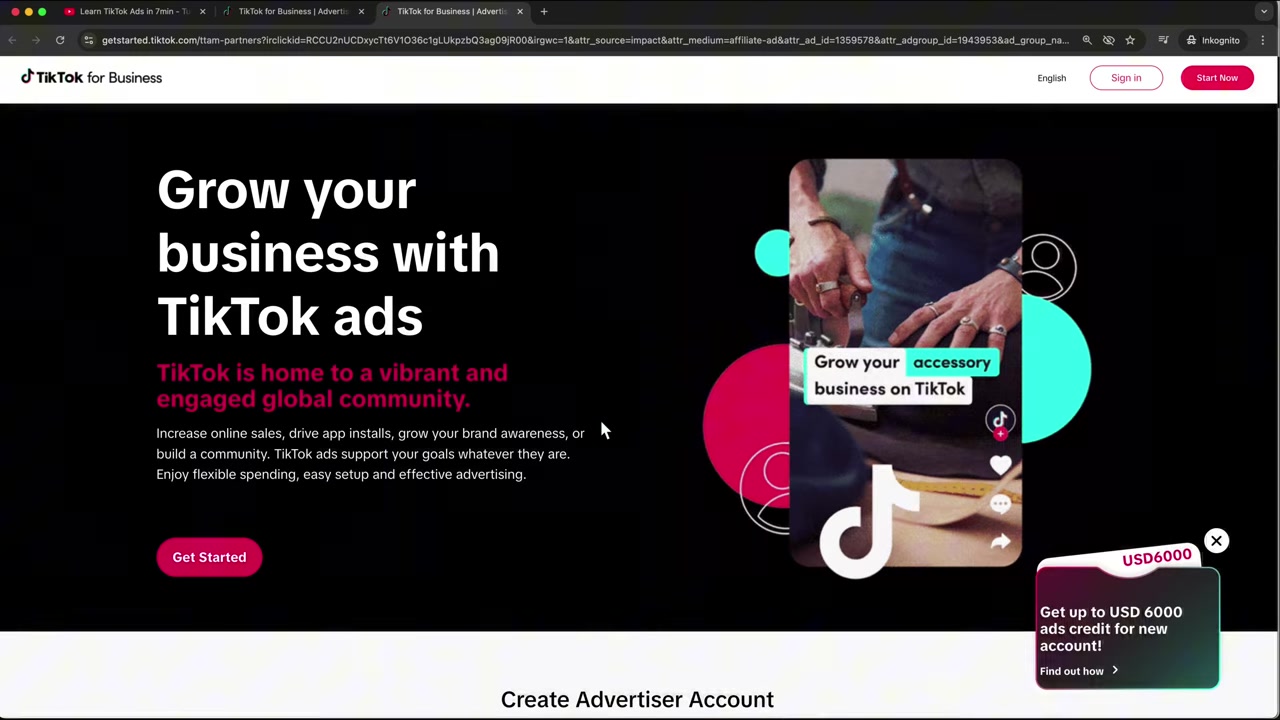
Head to the TikTok Ads Manager sign-up page — you'll find the link in the video description above. Once there, you'll see TikTok's current onboarding offer for new advertisers.
To create your account, simply enter your email address and choose a password. You can also sign up directly with an existing TikTok account if you prefer.
After accepting the terms and conditions, TikTok will send a two-factor verification code to your email. Enter the code to proceed.
2. Enter Your Business Details
Once verified, you'll be asked to fill in your business information. This includes your business name, website URL, industry, and phone number.
You'll also set your country, currency, and time zone here. Take your time with these — especially the currency setting, since this determines how you'll be billed going forward.
When everything looks good, accept the terms and click Get Started to enter the Ads Manager dashboard.
3. Explore the TikTok Ads Manager Dashboard
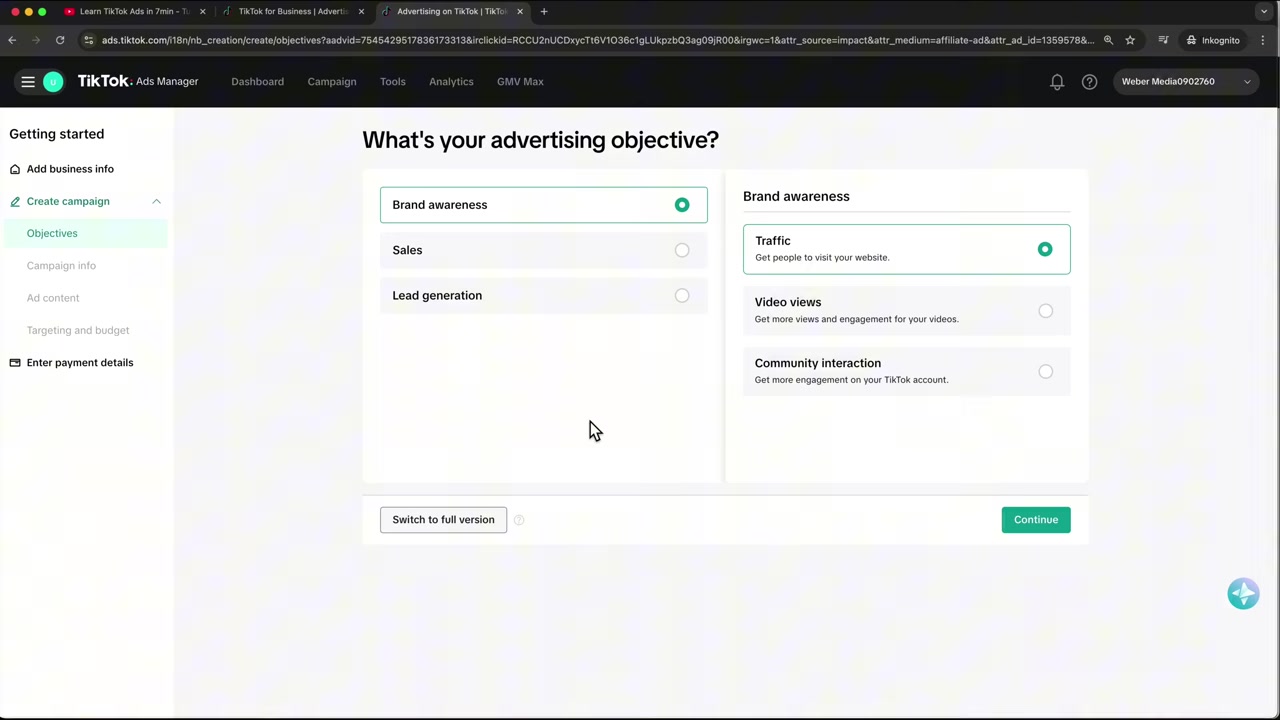
After accepting TikTok's anti-discrimination ad policy, you'll land inside the Ads Manager. Here's a quick overview of the key areas:
- Dashboard — A high-level overview of your ad performance once campaigns are live.
- Campaign — Where you create, manage, and analyze your campaigns, ad groups, and budgets.
- Tools — Access your audience settings, creative library, ad preview tools, and the Events (pixel) tab.
Spend a few minutes clicking through each tab to familiarise yourself with the layout before running your first campaign.
4. Set Up the TikTok Pixel
The TikTok Pixel is one of the most important parts of your setup — it's what allows TikTok to track actions on your website and optimise your campaigns.
Go to Tools → Events and click to connect a data source. Select Website, enter your URL, and choose your platform (Shopify, WordPress, Wix, or manual installation).
If you're on Shopify, just search for the TikTok app in the Shopify App Store and hit install. The pixel will be connected automatically. Set up your pixel before launching your first ad — it makes a significant difference in campaign performance.
5. Verify Your Business and Add Billing Information
Navigate to Account Setup in the left menu. Here you can verify your business by uploading documents like a business license or certification number.
Verifying your business increases TikTok's trust in your account, which means fewer issues with ad approvals down the line. It's a step many advertisers skip — don't be one of them.
Further down the same page, add your billing information: VAT number, address, primary contact, and email. Then head to Payments to connect your credit card (Visa, Mastercard, Amex) or PayPal. You can also pre-load a cash balance if you'd rather not have TikTok charge your card automatically.
6. Connect Your TikTok Account for Spark Ads
To run Spark Ads — ads that boost your existing organic TikTok videos — you need to link your TikTok profile to the Ads Manager.
Go to User → User Settings and click Link TikTok Account. Verify with a code sent to your email, and TikTok will automatically find your account based on the email address.
Once connected, you can select any of your existing TikTok videos and drive paid traffic to them — a powerful way to amplify content that's already performing well organically.
7. Discover TikTok Symphony and TikTok One
Inside the Ads Manager, look for the hamburger menu icon. Here you'll find two powerful creative tools:
TikTok One shows you the best-performing ads on TikTok right now — great for competitive research and inspiration.
TikTok Symphony is an AI-powered creative hub where you can translate videos into different languages, animate images, generate avatars, write scripts, or even produce complete TikTok ads from scratch. TikTok is investing heavily in these features, and they're worth exploring.
8. What Is the TikTok Business Center — and Do You Need It?
The TikTok Business Center acts as an umbrella dashboard above the Ads Manager. Here's the key difference:
- TikTok Ads Manager = a campaign tool for a single ad account.
- TikTok Business Center = a management hub for multiple ad accounts, teams, and assets.
If you're a solopreneur running one account by yourself, the Ads Manager alone is enough. But if you manage multiple brands, run an agency, or need to give colleagues access without sharing your login credentials, you need the Business Center.
9. Set Up the TikTok Business Center
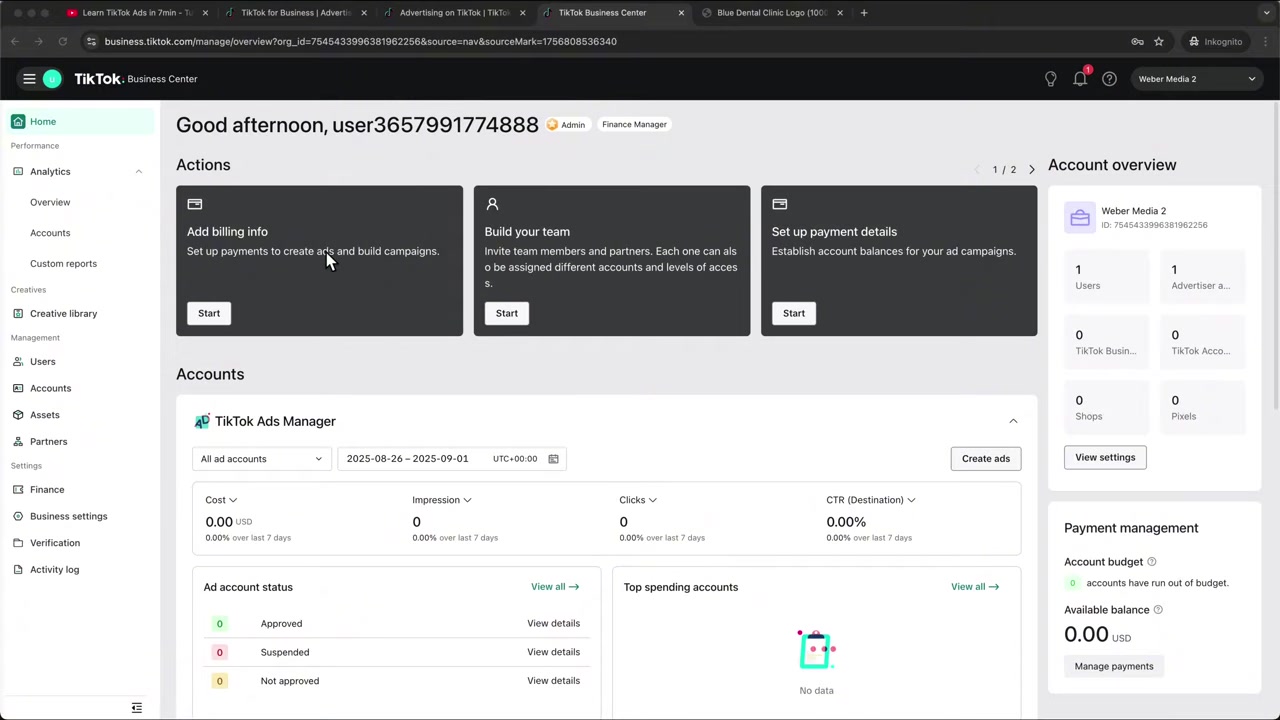
To access the Business Center, click the hamburger icon in the Ads Manager and select Business Center.
Choose whether you're an advertiser/brand or an agency. Fill in your details and complete the registration. Once inside, you'll land on a dashboard showing all connected ad accounts and their performance at a glance.
From here you can:
- Add and manage multiple advertiser accounts
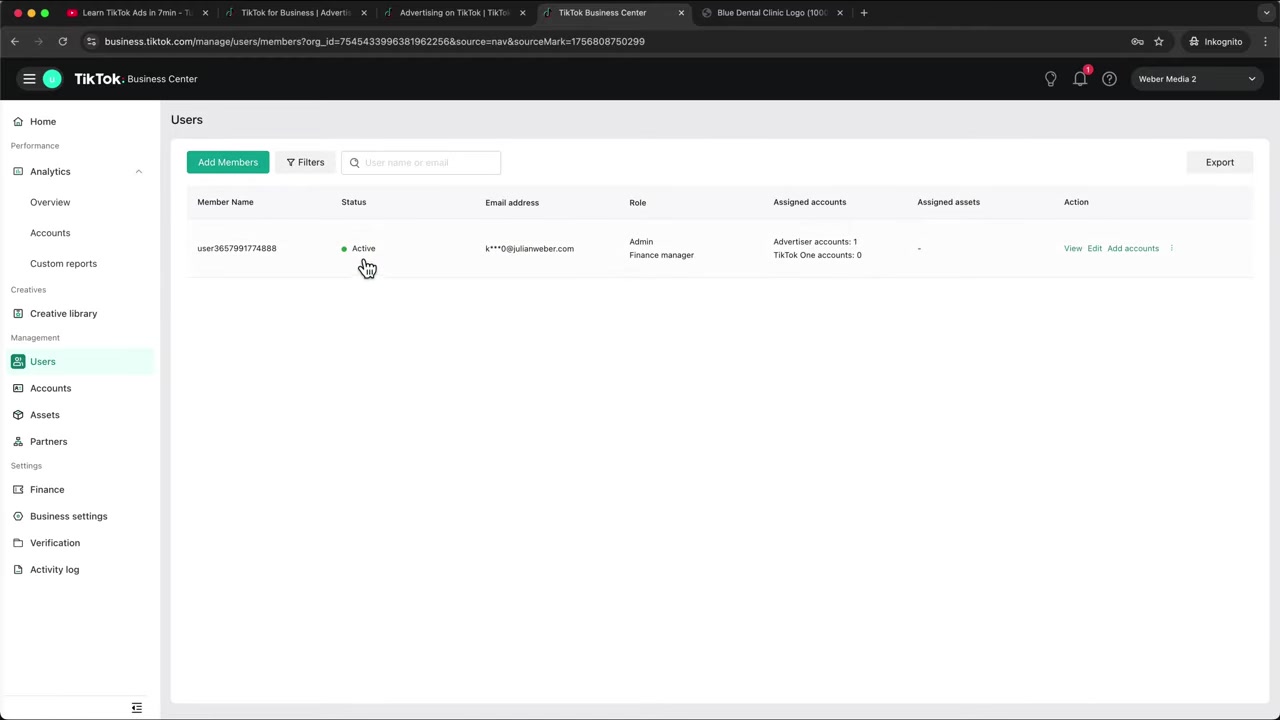
- Invite team members with specific roles (Admin, Standard, Finance Manager)
- Share pixels, audiences, creatives, and product catalogs across accounts
- Connect TikTok Shop accounts
- Monitor activity logs to track who changed what and when
10. Invite Team Members and Manage Access
One of the biggest advantages of the Business Center is role-based access. Instead of sharing your password, you simply invite colleagues via email and assign them a role.
Roles include Admin (full control), Standard (campaign management), and Finance Manager (invoices and billing only). This is especially useful for agencies onboarding a new client's ad account — you can request access using the account's ID without needing their login.
The Activity Log gives you a full audit trail: who made changes, to which account, and at what time. This level of transparency is essential once more than one person is managing your TikTok advertising.
11. TikTok Ads Manager vs Business Center: Which One Do You Need?
Still not sure which setup is right for you? Here's a quick comparison:
| Ads Manager | Business Center | |
|---|---|---|
| Best for | Solo advertisers | Agencies & teams |
| Number of accounts | One | Multiple |
| Team access | Shared login only | Role-based invites |
| Asset sharing | No | Yes (pixels, audiences, creatives) |
| Activity log | No | Yes |
For most beginners, starting with just the Ads Manager makes complete sense. You can always add the Business Center later as your operation grows.
12. Is TikTok Ads Manager Good for Beginners?
Yes — TikTok Ads Manager is beginner-friendly once you know where everything is. The interface is clean and the campaign creation wizard walks you through each step.
The most common beginner mistake is skipping the pixel setup and jumping straight into campaigns. Always install the pixel first so TikTok can learn from your website data and optimise results from day one.
If you want a structured introduction, check out Julian's free TikTok Ads course — it covers everything from your first campaign to scaling strategies.
13. How Much Does TikTok Advertising Cost?
TikTok Ads don't have a fixed price — you set your own daily or total budget at the campaign or ad group level. There's typically a **minimum daily budget of 20** at the campaign level and 20 at the ad group level.
Your actual cost per result depends heavily on your industry, targeting, and creative quality. TikTok's algorithm rewards engaging content, so a well-produced video can outperform a big budget with mediocre creatives.
To get the most out of your spend, make sure your pixel is installed, your targeting is well-defined, and you test multiple ad creatives early on.
Frequently Asked Questions
What is TikTok Ads Manager?
What is the difference between TikTok Ads Manager and TikTok Business Center?
Do I need to verify my business on TikTok Ads Manager?
How do I install the TikTok Pixel on Shopify?
Can I run TikTok Ads without a TikTok account?
What payment methods does TikTok Ads Manager accept?
How do I give an agency access to my TikTok Ads account?
What is TikTok Symphony?
14. Disclosure
Some links in this post are affiliate links. If you make a purchase through them, we may earn a commission at no extra cost to you. All content is provided for informational purposes only and comes without any guarantee. Nothing in this post constitutes financial, legal, tax, or investment advice.
Related Articles

28 Oct 2025
How to Create a TikTok Ads Account in 2026
Want to run ads on TikTok but not sure where to start? Setting up your TikTok Ads Manager account is easier than you think — and it only takes a few minutes. In this guide, I'll walk you through the e...

15 Dec 2025
Wix Promo Code 2026 – How to Save on Wix Premium Plans
If you've been thinking about upgrading to a Wix premium plan, timing your sign-up the right way can make a real difference. In this guide, I'll walk you through the exact method to access the best av...
3 Dec 2025
Het einde van PowerPoint – Gamma AI maakt betere presentaties in minuten
Iedereen heeft weleens een PowerPoint presentatie gemaakt – en eigenlijk schaamt iedereen zich er een beetje voor. Statische slides, weinig ontwerp, en een gevoel dat het allemaal uit 1995 komt. Geluk...