Revolut Business Account Review 2026 – Full Walkthrough & Features Explained
In this post, Julian walks you through every feature of a Revolut Business account — straight from the mobile app. Whether you're a freelancer, an agency owner, or running a small business, this guide covers everything from multi-currency accounts and card management to merchant tools and treasury features.
1. Sign Up for Revolut Business
Getting started is straightforward. Head to the sign-up page via the Revolut Business partner link and enter your name, email address, and ID.
From time to time, Revolut offers sign-up bonuses through their partner links — for example, £100 in Great Britain at the time of filming. Always check the link to see what's currently available in your region.
Once the verification is done, you land directly inside the Revolut Business app and can start exploring right away.
2. Multi-Currency Accounts on Revolut Business
The standout feature of Revolut Business is the ability to hold multiple currency accounts in one place. Out of the box you'll see accounts for GBP, USD, CHF, and EUR — and you can add over 25 additional currencies with just a few taps.
To add a new currency, go to More → Add new account, pick your currency (e.g., Australian Dollar), give it a name, and hit Create account. That's it.
Each currency account comes with its own local bank details — including an IBAN for European accounts. This means your international clients receive familiar, local-looking payment details which removes friction from getting paid.

3. Adding Money and Exchanging Currency
Topping up your account is simple. Tap Add money on any currency balance and choose from four options — most users will just do a standard bank transfer using the displayed account details.
You can also move money between your own currency accounts. Select the source account (e.g., EUR) and the destination (e.g., AUD), enter the amount, and Revolut shows you the live interbank exchange rate before you confirm. For example, €10 converted to roughly A$16.40 at the time of Julian's walkthrough.
Once funds are in a currency account, you can send them internationally. Go to Transfers → Send money, select the country and currency, fill in the recipient's details, and send. Just keep an eye on your plan's transfer limits — more on that in the plans section below.
4. Creating Revolut Business Cards
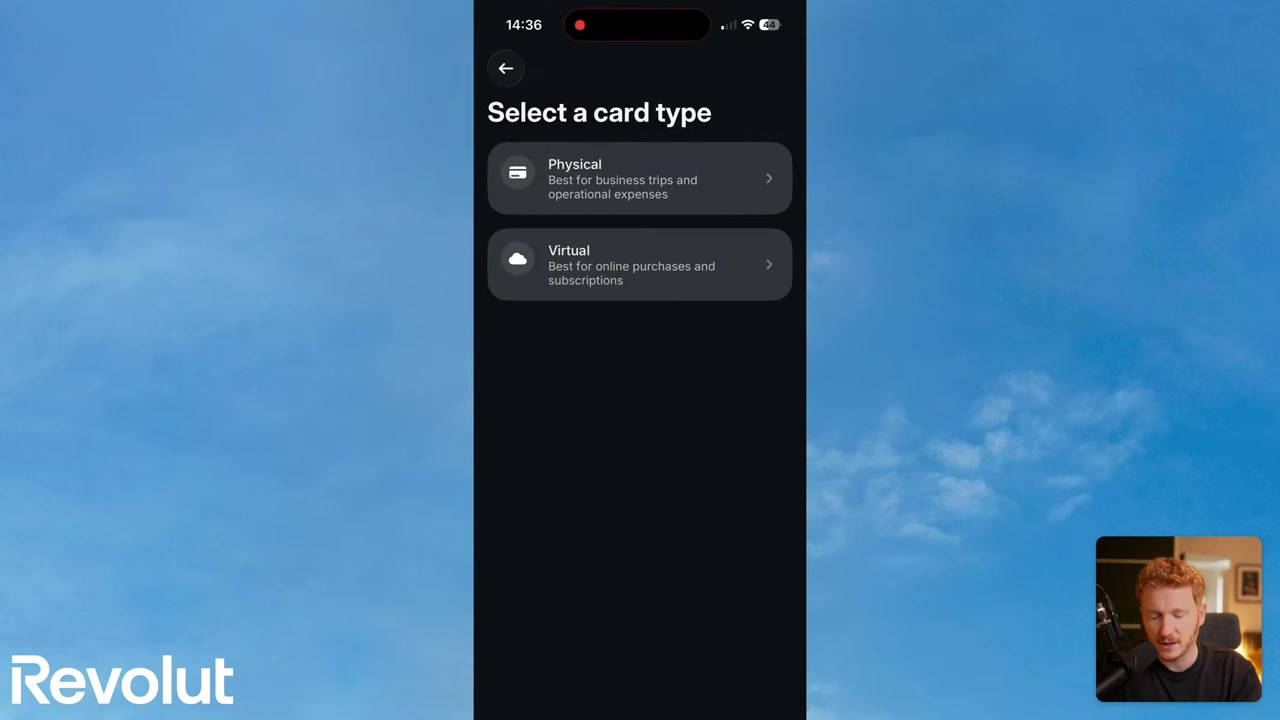
Under the Cards tab you can order physical or virtual cards. Physical options include a standard black or white card, and a premium metal card — pricing depends on your plan (around €6/card on the Grow plan).
Virtual cards are free and available immediately — great if you just need something for online subscriptions or software purchases.
Because it's a business account, you can also add team members and assign separate cards to each person. Employees can use their cards for business travel or software purchases, and you manage everything centrally inside the app.
5. Treasury Features: Put Your Business Cash to Work
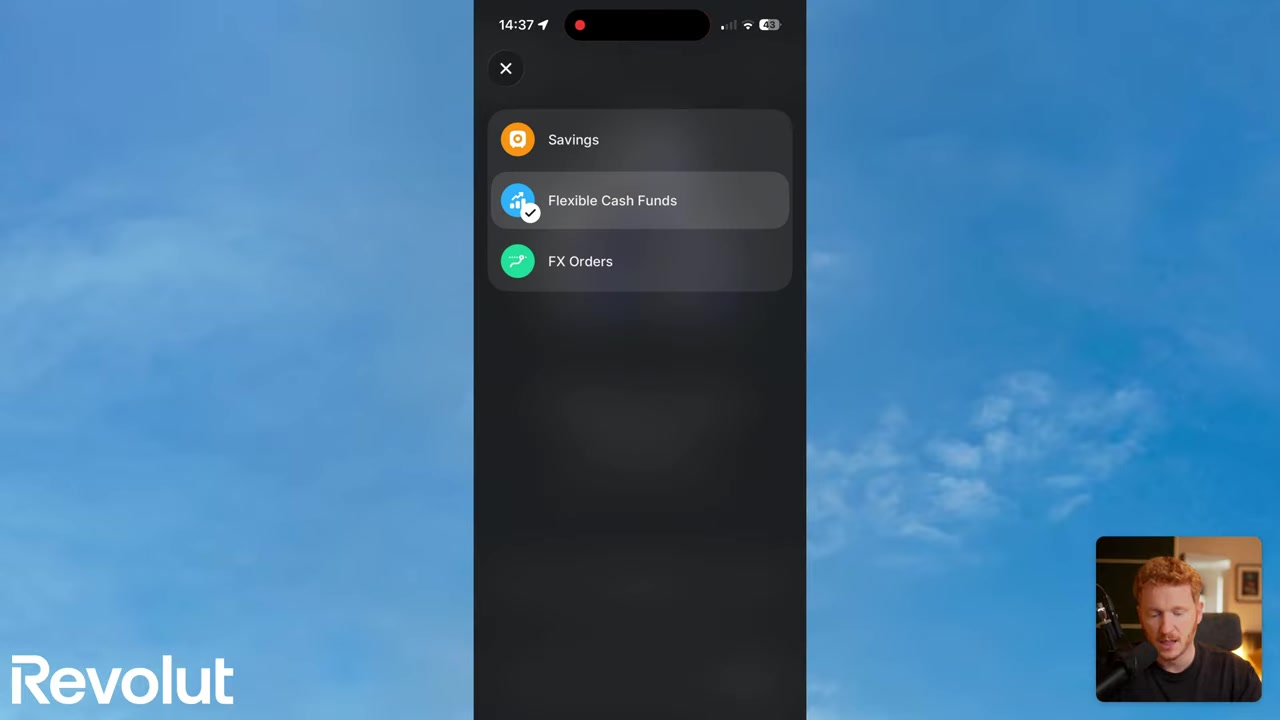
Revolut Business includes a Treasury section where idle cash can earn a return. You have two main options:
Savings account — earns around 1% per year on the Grow plan, 1.3% on Scale, and 1.7% on Enterprise. Not a huge return, but better than cash sitting idle.
Flexible cash funds — invest in instruments like USD Treasury Funds (~2.18%) or a Sterling Fund (~2.4%). Returns vary by plan, and as Julian notes in the video, these are investments with associated risk — always read the terms and conditions and consult a qualified professional before investing.
6. Revolut Merchant Tools for Receiving Payments
The Merchant section is one of the main reasons businesses choose Revolut. It bundles several payment-collection tools in a single place:
- Payment links — create a link in seconds, set the amount and currency, share it via email or QR code, and customers can pay by card, Apple Pay, Google Pay, or Revolut-to-Revolut (similar to PayPal).
- Invoices — fill in customer details, line items, and price, then send directly from the app.
- Subscriptions — set up recurring billing for monthly retainers or services; Revolut collects automatically each period.
- Devices & POS — connect a Revolut card reader or use the dedicated POS app for in-person payments in cafés, restaurants, or shops.
- Catalogs — create a product list with names, prices, and categories for faster checkout.
Under Explore you can also see how to integrate Revolut with e-commerce platforms like Shopify, WooCommerce, and BigCommerce — Shopify sales flow directly into your Revolut account.
7. Tap to Pay on Your iPhone — No Card Reader Needed
One of the coolest features Julian highlights is Tap to Pay on iPhone. Go to Merchant → Get paid → Tap to Pay and you can accept contactless card payments directly on your phone — no hardware reader required.
The customer simply taps their card or phone on yours, and the money lands in your Revolut account instantly. It's ideal for mobile businesses, market stalls, or any situation where carrying a physical reader isn't practical.

8. Analytics, Statements, and Rewards
On the Home tab you can see all your currency balances and a full transaction history. Need a formal record? Tap More → Download statement to export an account statement or account confirmation letter.
The Analytics section (available on the Grow plan and above) gives you a breakdown of incoming cash, outgoing spend, and merchant revenue — handy if you're running multiple card readers across a business.
Revolut also has a Rewards program with perks like discounts on tools such as Notion, Slack, and HubSpot. The savings are modest but worth a look once your account is set up.
9. Revolut Business Plans and Pricing
Revolut Business offers several plans. Julian is on the Grow plan (around €10–€30/month depending on region), with Scale (€90/month) and Enterprise (€750/month) above it.
Key differences include the number of free international and local transfers. On Grow you get 5 free international and ~100 local transfers per month. On Scale that rises to 25 international and 1,000 local. Exceeding the limits means paying per transaction.
Julian has a separate video dedicated to the cost breakdown — check it out in the YouTube description for a full plan comparison before you decide which tier fits your business.
10. What Is Revolut Business?
Revolut Business is a digital business banking account designed for freelancers, startups, and established companies. Unlike traditional banks, it's app-first and built around international payments, multi-currency management, and integrated payment tools.
It is not a full licensed bank in all countries (it holds an e-money or banking license depending on the region), so it's worth confirming the regulatory status in your country before relying on it as your sole business account.
11. Is Revolut Business Good for Freelancers and Small Teams?
Yes — particularly if you work across borders. The multi-currency accounts, payment links, and invoicing tools are genuinely useful for freelancers who invoice international clients regularly.
For small teams, the ability to issue multiple cards, set spending permissions, and track all transactions in one app makes expense management much simpler than a traditional business bank account.
12. Revolut Business vs Traditional Business Bank Accounts
Traditional business accounts typically charge for each international transfer, require branch visits to set up, and offer no built-in tools for invoicing or subscriptions. Revolut handles all of that inside a single mobile app.
The trade-off is that some traditional banks offer overdraft facilities, business loans, and a more established relationship-banking model that fintech apps don't yet fully replicate. Many businesses use Revolut alongside a traditional account rather than instead of one.
Frequently Asked Questions
How do I sign up for a Revolut Business account?
How many currencies can I hold in Revolut Business?
Does Revolut Business have a free plan?
Can I accept card payments with Revolut Business?
Is the money in my Revolut Business savings account safe?
Can I integrate Revolut Business with Shopify or WooCommerce?
How many team members can I add to Revolut Business?
What is the interbank exchange rate on Revolut?
Related Articles

30 Dec 2024
What is Wix? – An Honest Review for Beginners
Thinking about building a website but not sure where to start? Wix is one of the most popular website builders in the world — and for good reason. In this post, we'll take an honest look inside Wix, c...

16 Dec 2024
Build a Free Wix Website – Is It Really Free?
Can you really build a website with Wix for free? The short answer is yes — and in this post, you'll learn exactly how it works, what the free plan includes, and how to make your free Wix URL look as ...

17 Mar 2026
Base44 Superagents: The Free AI Agent That Automates Your Work
Base44 just released their Superagents to the public — and in this tutorial from the Julian Weber channel, you'll see exactly how to set one up, connect it to Gmail and Google Calendar, and automate r...