Wix Editor vs Wix Studio – What Is the Right System for You?
Not sure whether to use Wix Editor or Wix Studio? You're not alone — it's one of the most common questions new Wix users ask. Both are powerful tools, but they serve very different audiences. In this post, we break down the key differences so you can pick the right one from the start.
1. What Is Wix Editor?
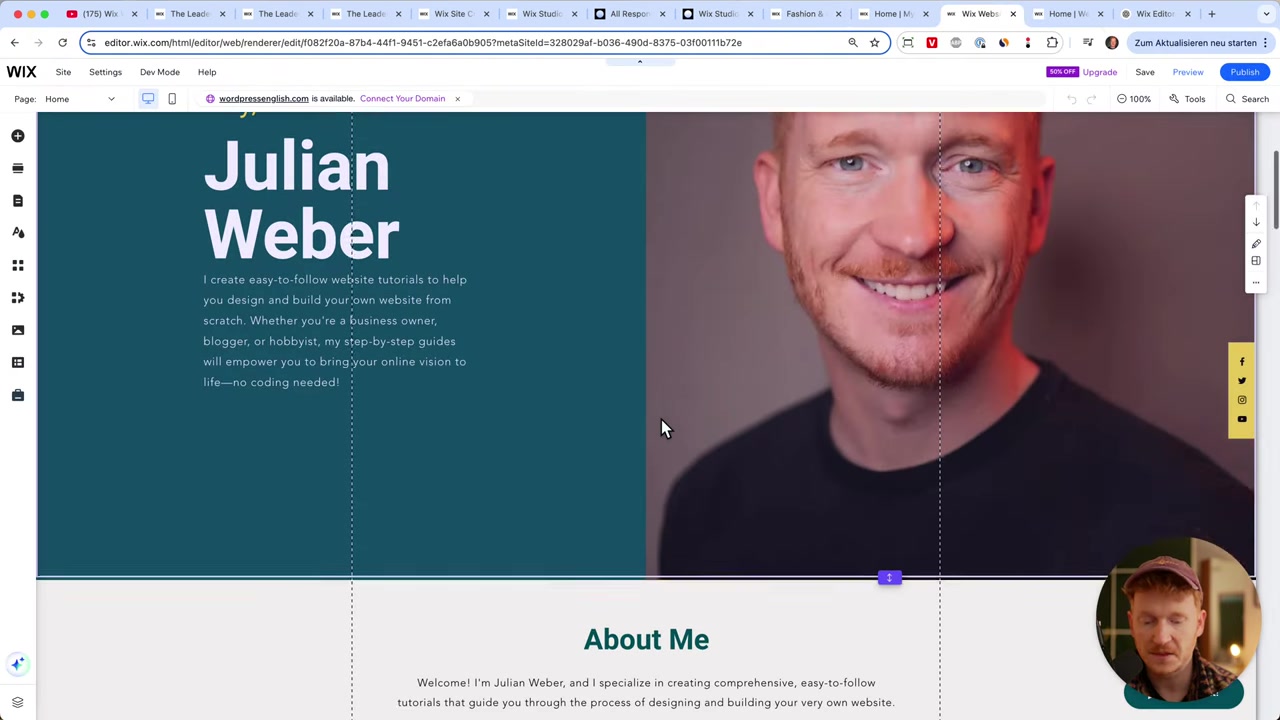
Wix Editor is the classic, beginner-friendly website builder that most people encounter when they first sign up for Wix. It uses a simple drag-and-drop interface that lets you move elements around the page freely, upload images, edit text, and add new sections with just a few clicks.
When you sign up via the Wix link, you'll land in the Wix Editor by default — because it's the standard starting point for new users. You can always switch to Wix Studio later from within the menu.
Wix Editor is best suited for:
- Beginners with no web design experience
- Small and medium-sized businesses
- Solopreneurs and freelancers
- Hobby websites and personal portfolios
2. Wix Editor Templates – Over 800 Choices
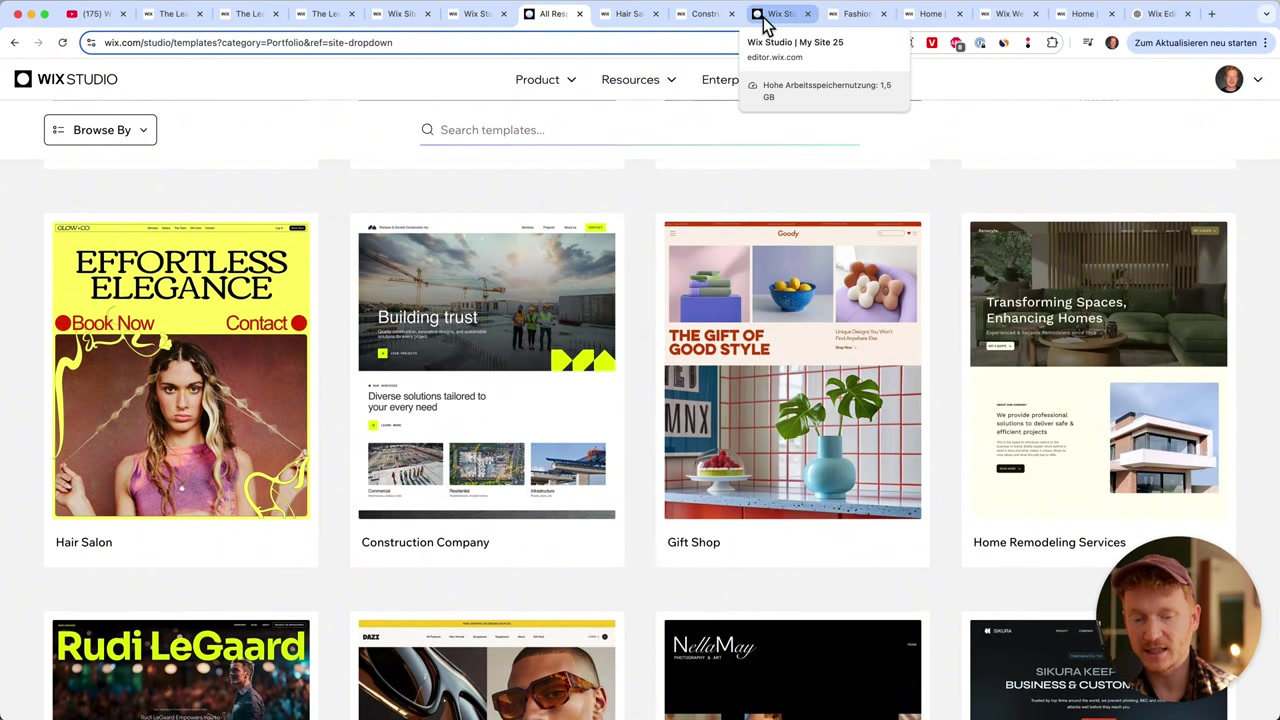
One of the biggest strengths of Wix Editor is its template library. You get access to over 800 professionally designed templates across a wide range of categories, including:
- Business and corporate sites
- Health, beauty, and hair
- Portfolio and CV websites
- Restaurants and food
- Online stores and e-commerce (fashion, clothing, and more)
Even though Wix Editor is designed for beginners, the templates look genuinely professional. E-commerce templates, for example, come with a shop page, product filtering, and a cart — everything you'd expect from a proper online store.
3. What Is Wix Studio?
Wix Studio is Wix's advanced, professional-grade editor. It was built with web designers, agencies, and developers in mind — think of it as Wix's answer to tools like Webflow, Framer, or Figma.
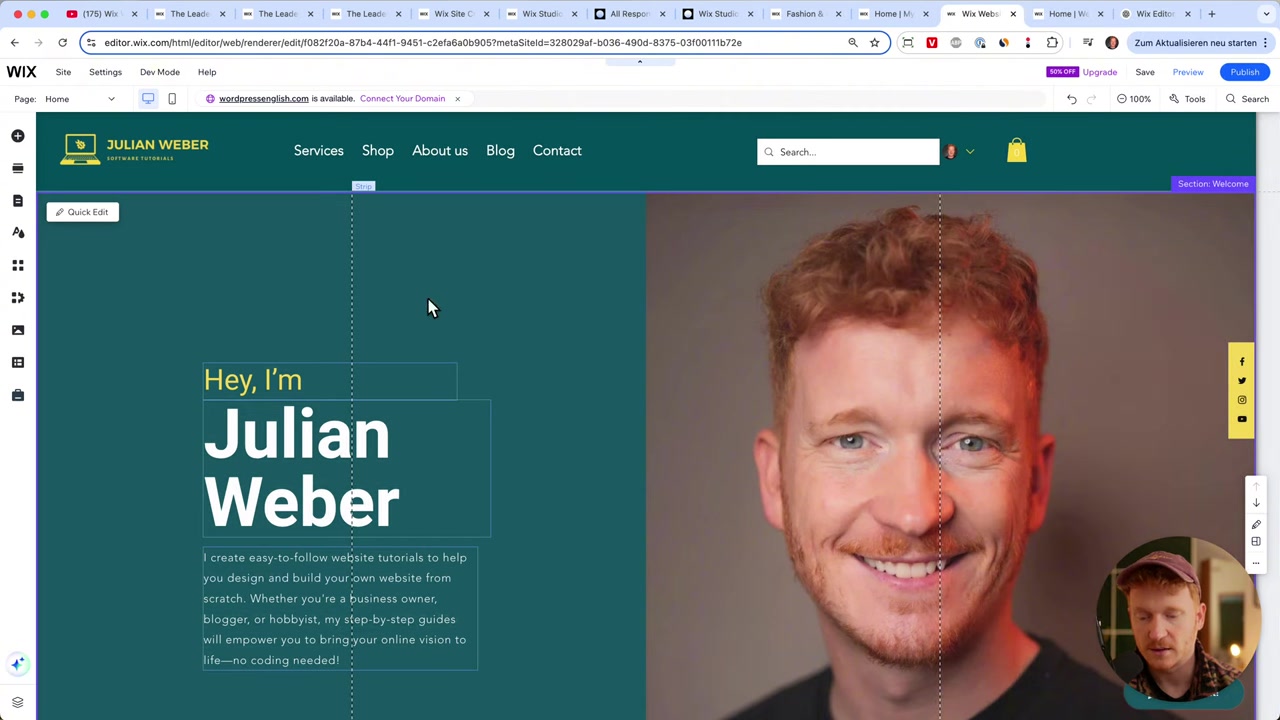
Unlike the classic editor, Wix Studio gives you fine-grained control over layout and design. You can configure padding, set content overflow behavior, work with grid layouts, and adjust positioning — all using familiar CSS-like controls directly in the interface.
Wix Studio is best suited for:
- Professional web designers
- Agencies building websites for clients
- Developers who need pixel-perfect control
- Anyone who builds websites as a business or daily profession
4. Wix Studio Templates – Fewer but More Artistic
Wix Studio offers around 80 templates — roughly one-tenth the number available in the classic editor. But what they lack in quantity, they make up for in creativity.
These templates tend to look more artistic and design-forward. Some lean heavily into creative layouts that wouldn't suit a standard business website — but that's exactly the point. Designers love the flexibility.
Many professional designers will also choose to start from a blank canvas in Wix Studio, using their own layouts rather than adapting a pre-built template.
5. Wix Editor vs Wix Studio – Key Differences
Here's a quick side-by-side breakdown of the main differences between the two editors:
| Feature | Wix Editor | Wix Studio |
|---|---|---|
| Target audience | Beginners, small businesses | Designers, agencies, developers |
| Template count | 800+ | ~80 |
| Design freedom | Moderate (boundary lines) | High (grid, padding, overflow) |
| Mobile responsiveness | Good | More advanced |
| Learning curve | Low | Medium to high |
| Comparable to | Squarespace, GoDaddy, Hostinger | Webflow, Framer, Figma |
| Best for | Personal/business websites | Client work, professional builds |
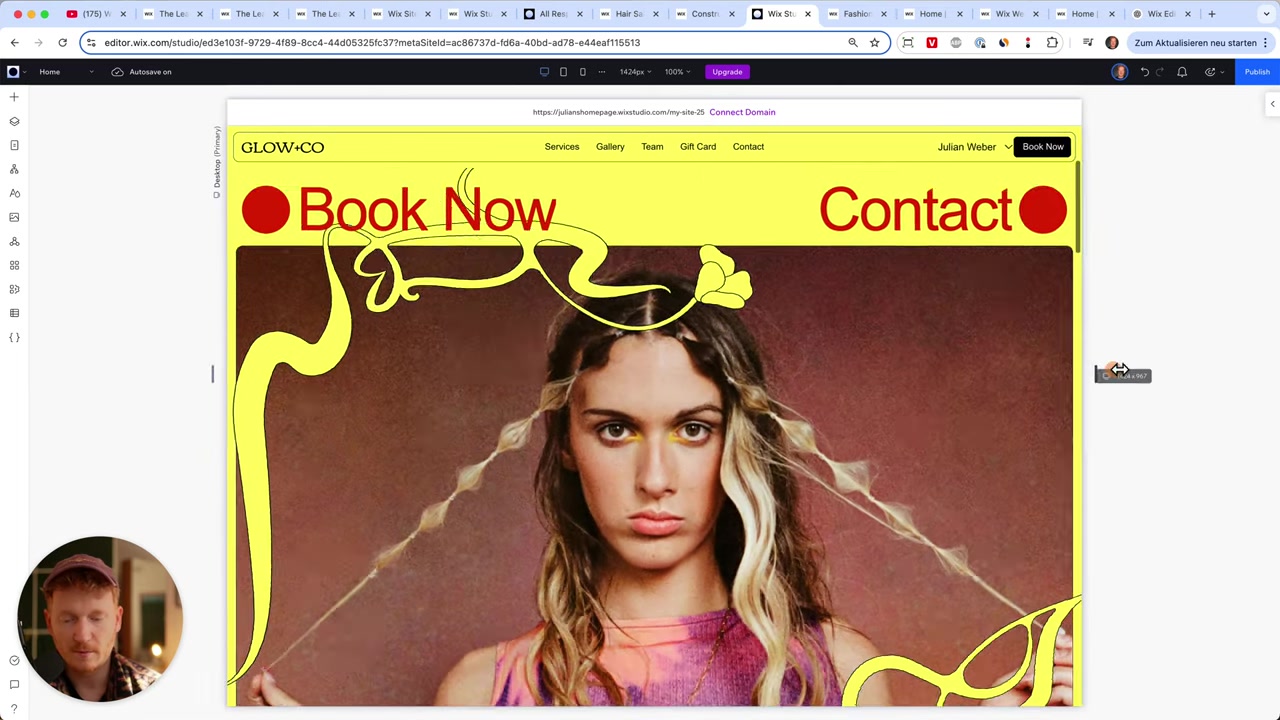
The classic Wix Editor uses boundary lines to ensure all content stays visible on every device. It's a smart constraint that keeps things safe — but it does limit how freely you can position elements. Wix Studio removes that constraint and gives you a fully responsive, grid-based layout system instead.
6. Which Wix Platform Is Right for You?
The answer comes down to one simple question: are you building websites for yourself, or are you building them for others?
If you're a business owner, blogger, or anyone building their own website, Wix Editor is the right choice. It's fast, intuitive, and more than capable of producing a professional-looking website.
If you're a web designer or agency who builds sites for clients on a regular basis, Wix Studio gives you the professional toolkit you need. The extra design controls, responsive layout system, and advanced options are genuinely useful when pixel-perfect results matter.
Not sure where to start? Just sign up for free with the Wix Editor and explore — you can always switch to Wix Studio once you're familiar with the platform.
7. Is Wix Good for Beginners?
Absolutely. Wix Editor was designed with beginners in mind from the ground up. You don't need any coding knowledge or web design experience to build a great-looking site.
The drag-and-drop interface, combined with 800+ templates, means you can have a professional website live in just a few hours. Wix also handles mobile optimization automatically, so you don't need to worry about how your site looks on phones and tablets.
8. Wix vs Competitors – Where Does It Stand?
In the beginner-friendly space, Wix Editor competes directly with Squarespace, Hostinger Website Builder, and GoDaddy. Across those options, Wix consistently stands out for its template variety and flexibility.
Wix Studio, on the other hand, competes with tools like Webflow and Framer — platforms aimed squarely at professional web designers. Wix Studio brings that level of creative control while keeping it all within the Wix ecosystem.
If you're already familiar with Wix pricing and plans, you might also find this related post useful: Wix Promo Code 2026 – How to Save on Wix Premium Plans.
9. Wix Editor Pros and Cons
Pros:
- Very easy to use for beginners
- 800+ templates across all niches
- Includes e-commerce functionality
- Automatic mobile optimization
- No coding required
Cons:
- Boundary lines limit design freedom
- Less responsive control than Wix Studio
- Not ideal for professional client work
10. Wix Studio Pros and Cons
Pros:
- Full design freedom with grid and padding controls
- More responsive and smooth on mobile
- Great for agencies and professional designers
- Comparable to Webflow and Framer
- Can start from a blank canvas
Cons:
- Steeper learning curve
- Fewer templates (~80)
- Overkill for simple personal or business websites
Frequently Asked Questions
What is the main difference between Wix Editor and Wix Studio?
Can I switch from Wix Editor to Wix Studio later?
How many templates does Wix offer?
Is Wix Studio free?
Is Wix Studio similar to Webflow?
Which Wix editor should I use for an online store?
Does Wix Editor work well on mobile?
Who should use Wix Studio?
11. Disclosure
Some links in this post may be affiliate links. If you click through and make a purchase, a commission may be earned at no extra cost to you. All content is provided for informational purposes only, and no guarantees are made regarding outcomes. This post does not constitute financial, legal, tax, or investment advice.
Related Articles

15 Dec 2025
Wix Promo Code 2026 – How to Save on Wix Premium Plans
If you've been thinking about upgrading to a Wix premium plan, timing your sign-up the right way can make a real difference. In this guide, I'll walk you through the exact method to access the best av...

17 Dec 2025
Wix Piani e Prezzi: Come Scegliere il Piano Giusto per il Tuo Sito Web
Stai pensando di creare un sito web con Wix ma non sai quale piano scegliere? In questo articolo ti spiego passo dopo passo come iscriverti a Wix, quali sono le differenze tra i vari piani disponibili...

21 Dec 2025
Wix Abonnement Kiezen: Zo Krijg je de Beste Deal op je Website
Wil je een professionele website bouwen met Wix maar weet je niet welk abonnement het beste bij je past? In deze gids leg ik je stap voor stap uit hoe je via de juiste link aanmeld, welke plannen Wix ...