Base44 Discount Code – How to Get a Real Coupon for Base44
If you've been searching for a working Base44 discount code, you've probably run into the same frustration — videos claiming to have coupon codes that simply don't work at checkout. This post explains the only method that has actually been confirmed to work, straight from Base44 themselves.
1. Why Most Base44 Coupon Codes Don't Work
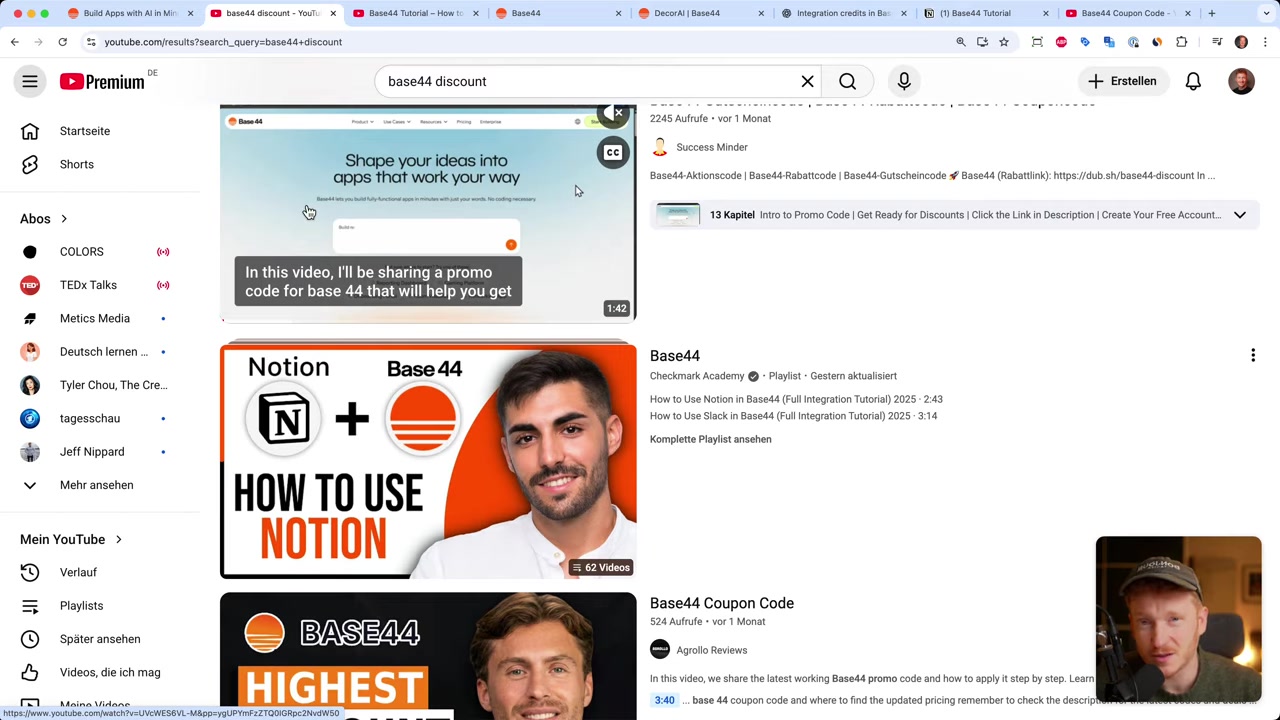
A quick YouTube search for "Base44 discount" turns up several videos where creators type random codes into the Stripe checkout screen. In most cases, those codes simply fail.
The reason is straightforward: those codes weren't issued by Base44. They were either made up or expired long ago. There is no publicly available promo code floating around the internet that reliably applies a discount at checkout.
2. How to Find a Real Base44 Welcome Offer
The only confirmed way to get a discount on Base44 is through their own official welcome offer — not a third-party code. Here's how it works:
- Click the Base44 partner link in this post (or in the video description).
- Create a new account with a fresh email address.
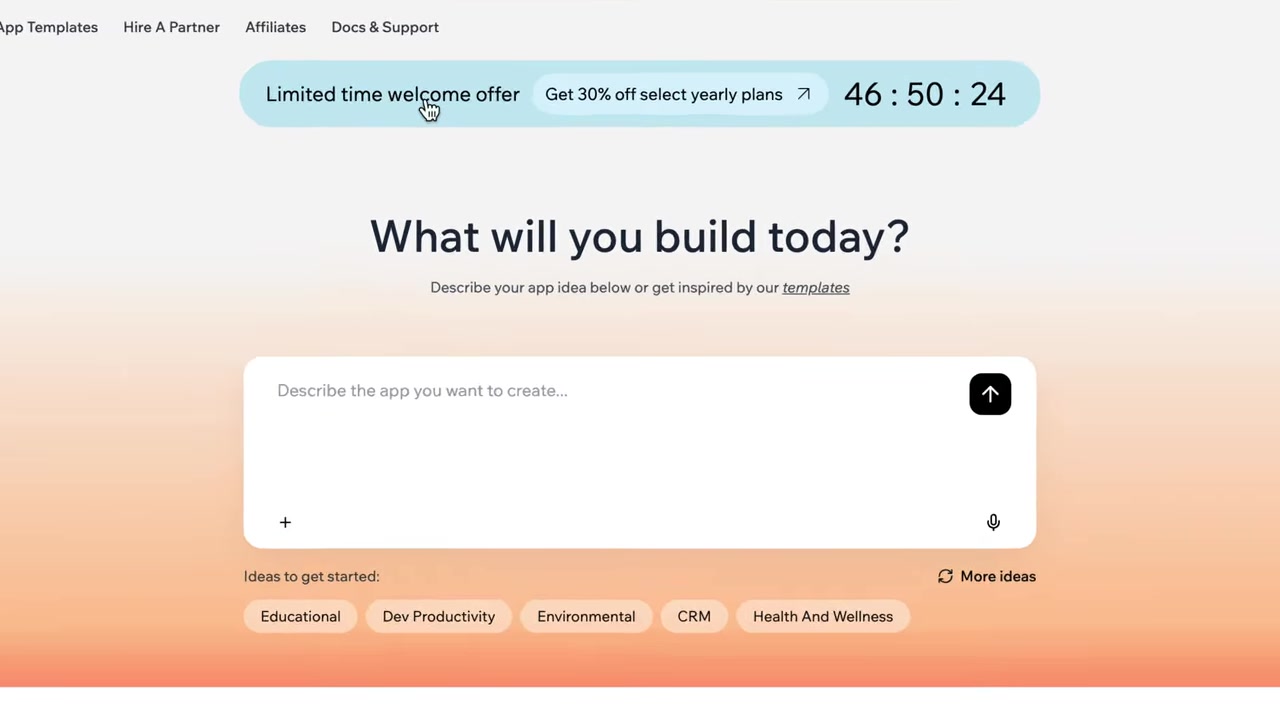
- After signing up, look for a limited-time welcome offer banner at the top of your dashboard.
Base44 sometimes shows new users a time-sensitive welcome offer shortly after account creation. If the promotion is currently running, you'll see it right there — no code entry required.
3. What the Base44 Welcome Offer Covers
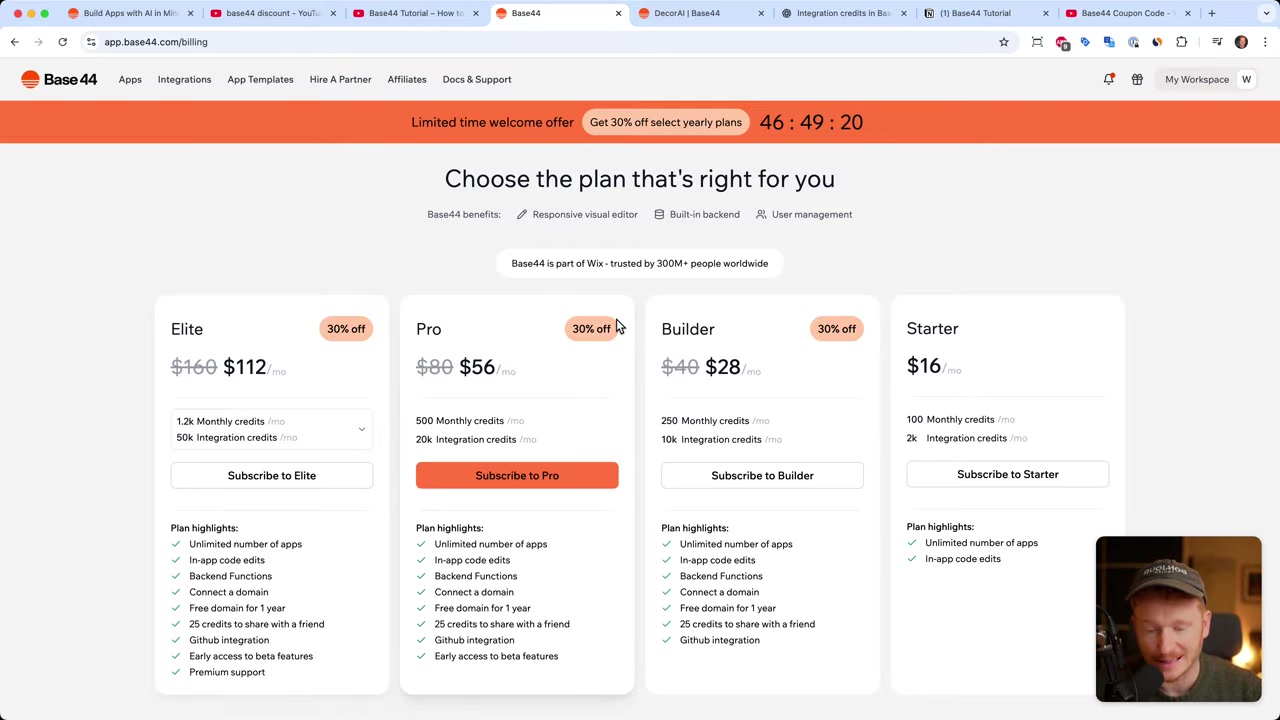
When the welcome offer is active, it applies to the yearly plans — specifically the Builder Pro and Elite tiers. Monthly plans are not included.
Keep in mind: the offer is typically only valid for the first 48 hours after you sign up. If you don't act during that window, the banner disappears.
The tradeoff is a yearly commitment instead of paying month-to-month. That said, if you're planning to use Base44 seriously for building apps, an annual plan tends to be better value regardless.
4. Step-by-Step: Applying the Base44 Discount
Here's the full process to follow if you want to take advantage of the welcome offer:
Step 1: Click this link to Base44 — using the partner link increases the chances the promotion is shown to you.
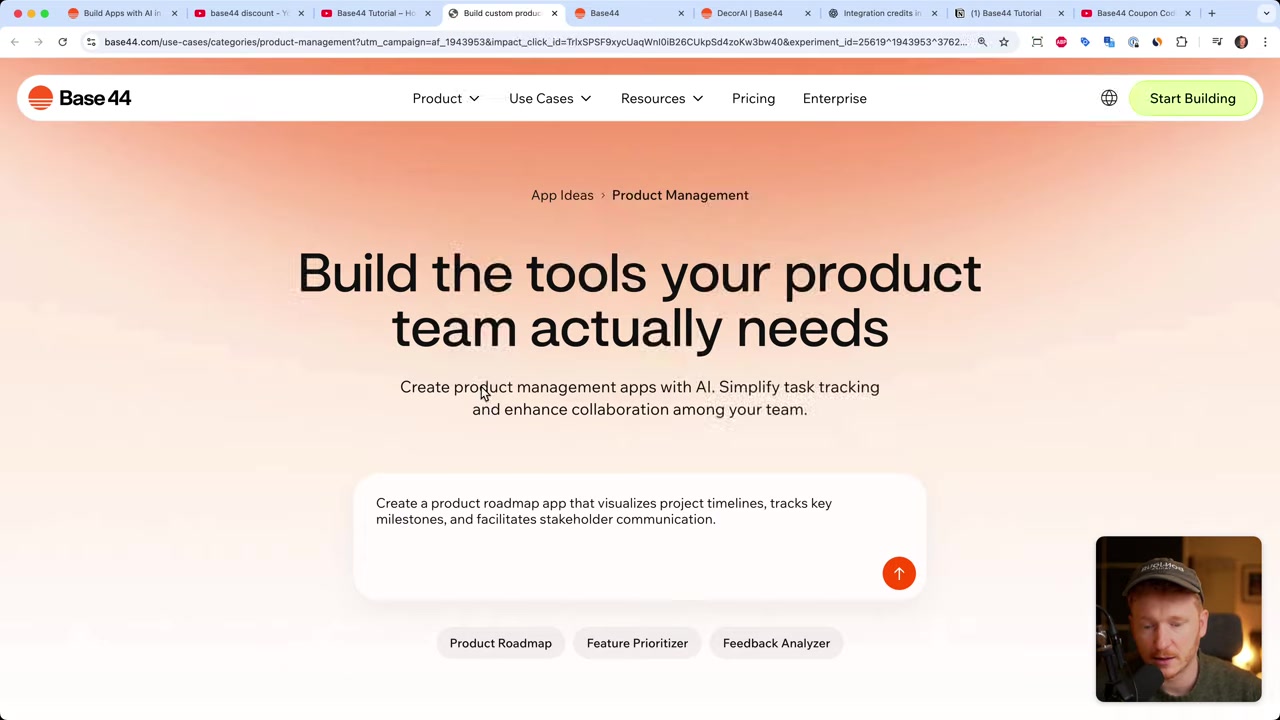
Step 2: Hit "Start Building Your App" and create an account with a new email address.
Step 3: Once logged in, check the top of the dashboard for the welcome offer banner.
Step 4: Click the offer and select the plan you want (Builder or Elite on a yearly basis).
Step 5: Complete your subscription — the discount is applied automatically, no code entry needed.
5. Is the Base44 Welcome Offer Always Available?
No — and this is important to understand. The welcome offer is a promotion run by Base44 themselves, and it's not permanently available. It may not appear every time someone signs up.
If you sign up and don't see the banner, the offer may not be active at that moment. There's no workaround for this — it's entirely controlled by Base44.
The best approach is to sign up via the partner link, check your dashboard immediately, and act within the 48-hour window if the offer appears. No guarantees — but this is the only legitimate method that's been verified to work.
6. What Is Base44?
Base44 is an AI-powered no-code app builder that lets you create fully functional web apps without writing a single line of code. You describe what you want, and the AI generates the app for you.
It's especially popular with entrepreneurs, solopreneurs, and small teams who want to ship products fast without hiring developers. You can check out a full walkthrough in the Base44 app builder tutorial to see what's possible.
7. Base44 Pricing – How Much Does It Cost?
Base44 offers both monthly and yearly plans. The monthly option for the Builder plan is $50/month. Yearly plans offer better value — especially if the welcome offer is active when you sign up.
There is also a free tier available when you first create an account, so you can explore the platform before committing to any paid plan. That makes signing up risk-free regardless of whether the welcome offer appears.
8. Base44 Pros and Cons
Pros:
- Fast AI-powered app generation — no coding needed
- Free tier to get started
- Covers a wide range of app types
- Active development and new features regularly added
Cons:
- Yearly commitment required to access better pricing
- Welcome offer availability is not guaranteed
- Advanced customization may still require technical knowledge
Frequently Asked Questions
Does Base44 have a discount code I can enter at checkout?
How do I trigger the Base44 welcome offer?
Is the Base44 welcome offer guaranteed?
Can I use the discount on a monthly plan?
What happens if I don't see the welcome offer after signing up?
Is Base44 free to try?
What plans does the Base44 welcome offer apply to?
How long is the Base44 welcome offer valid for?
9. Disclosure
Some links in this post are affiliate links — if you click and make a purchase, a small commission may be earned at no extra cost to you. This content is for informational purposes only; no guarantee is given regarding offer availability or results. Nothing here constitutes financial, legal, tax, or investment advice.
Related Articles

13 Apr 2026
How I Built a $40K/Month App Using AI in 15 Minutes (Base44 Tutorial)
What if you could build a fully functional, monetizable app — without writing a single line of code? In this tutorial, we use Base44, a no-code AI app builder, to recreate a room design visualizer app...
26 Apr 2026
How to Clone Any Website for Free with AI (Base44 Tutorial)
What if you could clone an entire website in under five minutes — without writing a single line of code? In this tutorial, Julian Weber walks you through exactly how to do that using Base44, a powerfu...
24 Apr 2026
Create Your Own Game with Base44 (No Coding Required)
Want to build your own game but have zero coding experience? In this tutorial, Julian Weber walks you through how to use Base44 — an AI-powered app and game builder — to create a fully playable game f...