How to Redesign Your Website with AI (Free & No Code)
Is your website looking dated? In this tutorial from the Julian Weber channel, you'll see how to completely redesign an old website into a clean, modern, and high-converting page — in under 10 minutes — using the AI website builder Base44. No coding, no design skills, and no expensive agency needed.
1. What Is Base44 and Why Use It for Your Website Redesign?
Base44 is an AI-powered app and website builder that lets you create or redesign websites simply by describing what you want in plain language. Julian has tested many AI website and app builders, and Base44 is his top pick.
The big advantage? You can start completely for free. When you sign up via this link, you get 25 credits — enough to build up to 25 websites. No credit card required.
2. Sign Up and Access the Base44 Website Builder
Head over to Base44 using Julian's partner link and click Build Now. You can sign up with Google or your email address.
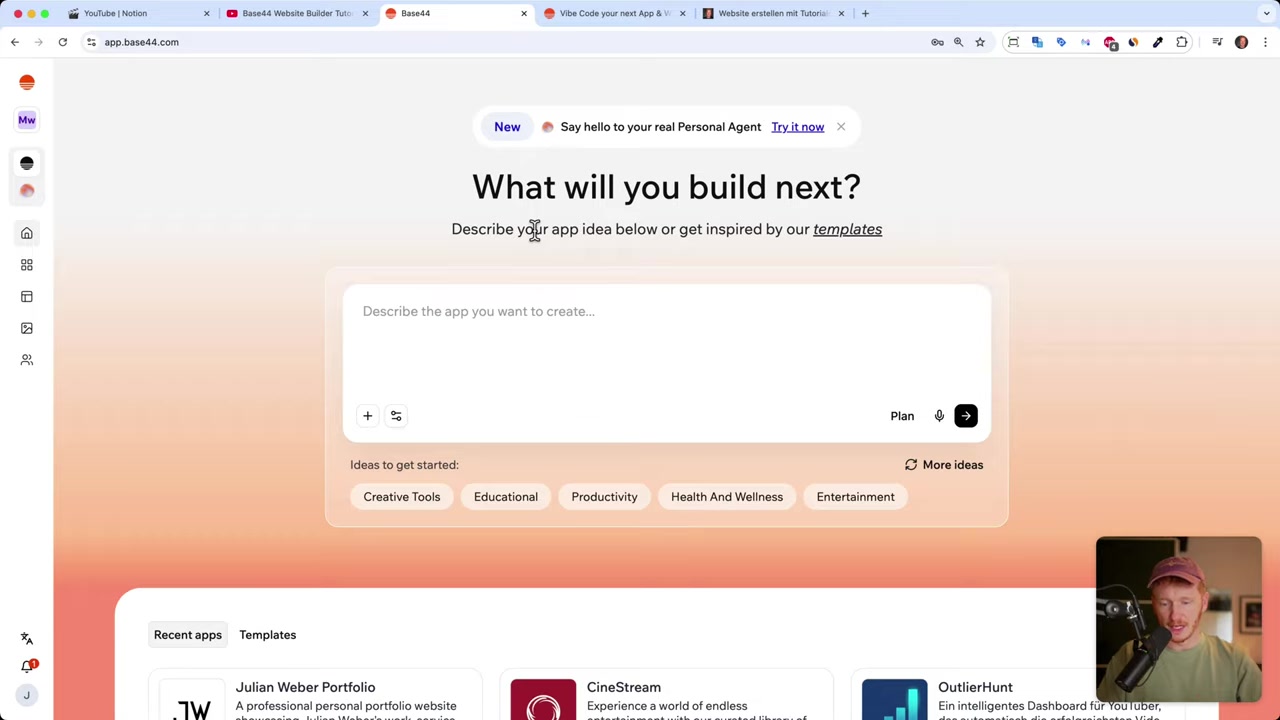
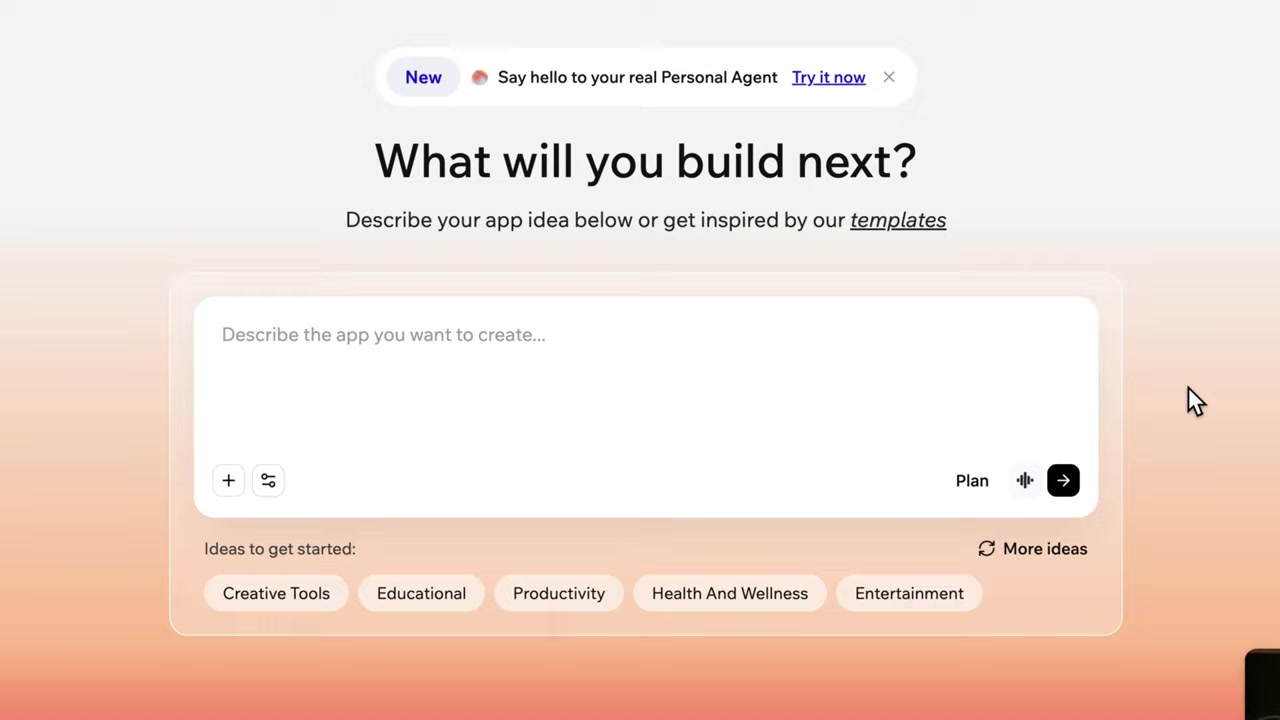
Once you're in, you'll land on the main dashboard where you can type in what you want to create. This is where the magic begins.
3. Give the AI Your Old Website Link and Assets
Instead of starting from scratch, you can simply paste the URL of your existing website into the prompt. The AI will scrape it, extract all the content, and use it as the foundation for your new design.
You can also upload your own images — a photo of yourself, your team, or your office — by clicking the attach button. The AI will automatically incorporate them into the new design.
In the video, Julian pastes his old German website link (almost 6 years old!) and asks the AI to recreate it in English with a fresh, modern design. He also uploads his own image and links to some of his tutorials so the AI can feature them on the page.
4. Watch the AI Redesign Your Website in Under 3 Minutes
After you send your prompt, Base44 gets to work automatically. It scrapes your old website, plans the new layout, creates a fresh design, and even writes the code — all without you lifting a finger.
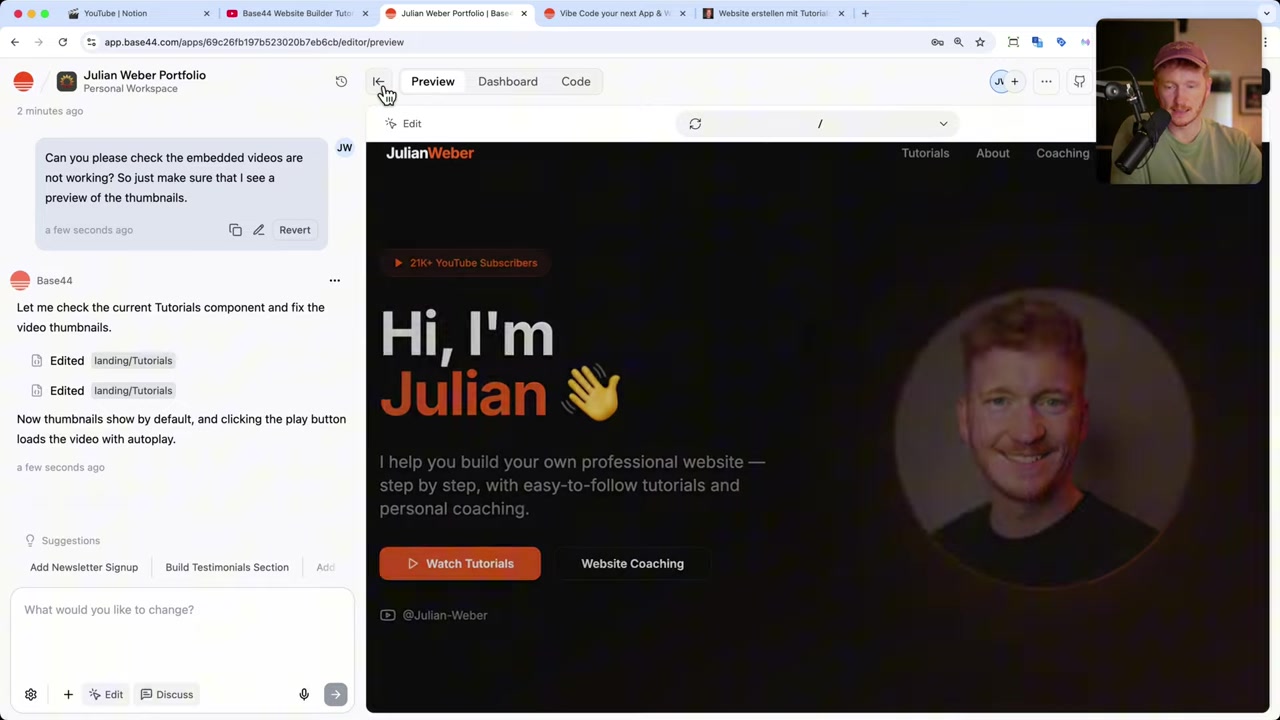
Julian's new homepage was ready in under 3 minutes. The result? A slick, modern page featuring an animated hero section, stats (subscribers, videos, coaching sessions sold), a personal story section, and a featured tutorials section. Compare that to the days and weeks it originally took him to build the old Wix site with drag-and-drop.
5. Add Extra Pages by Chatting with the AI
Once the homepage is ready, you can keep chatting with the AI to add new pages. Julian simply types: "A contact page is missing — please build me a nicely designed contact page with a Google Maps integration and link it in the header."
Within moments, Base44 builds a fully functional contact page — complete with a Google Maps embed, a contact form, and a backend that saves submitted messages to a database. No third-party plugins or forms needed.
6. Add Interactive Features Like a Lead-Generation Quiz
Because Base44 is an app builder as well as a website builder, it can add real functionality — not just static pages. Julian demonstrates this by asking the AI to build a quiz on the homepage.
He asks for a multi-step quiz that asks visitors about their website-building experience, collects their name and email at the end, and saves the answers to the database. In the past, you'd need a separate tool like Typeform or a dedicated page builder for this. Now it's built right into your Base44 website with a single chat message.
After the quiz is live, Julian checks the backend dashboard and can already see his own test lead — complete with quiz answers — saved in the database. This is a powerful lead-generation setup that took about one minute to build.
7. Understanding the Base44 Credit System
Here's how credits work on Base44: each time you send an instruction to the AI, one credit is used. When you sign up via Julian's link, you receive 25 credits, and you can use up to 5 credits per day.
Every month you get 25 fresh credits on the free plan. You also receive 100 integration credits, which are used when visitors interact with your site — for example, when someone submits a contact form and it's saved to the database. If you need more, you can always upgrade to a paid plan.
8. Publish Your Redesigned Website with a Custom Domain
When you're happy with the result, hit Publish. Base44 instantly gives you a live URL (e.g., yourname.base44.app) that you can share right away — no hosting setup required.
If you want a professional custom domain, you can buy one directly inside Base44. On certain plans, a free domain is included and automatically connected to your site. One more click to publish under your own domain and you're done.
9. Is Base44 Good for Beginners?
Absolutely. You don't need to write a single line of code or have any prior design experience. If you can type a sentence, you can build and redesign a website with Base44.
It's especially well-suited for freelancers, founders, and small business owners who want a professional online presence without the cost of an agency or the time investment of learning a complex website builder.
10. Base44 vs Traditional Website Builders
Julian built his original website on Wix using the drag-and-drop editor. It took him days and weeks to get it right. With Base44, the AI rebuilt and redesigned the entire site in under 3 minutes.
Traditional builders give you control but demand time, skill, and patience. Base44 trades that manual process for a conversational AI that handles design, layout, and even backend functionality automatically. For most people who just need a fast, good-looking website — Base44 wins.